r/GimpTutorials • • Mar 23 '25

How can I make the skin of this character black like the hair and shirt, and the scarf light blue?

Post image
1 Upvotes

I'm a complete beginner, but I have this image, and I really want to edit it so her skin is black like her hair and shirt, and her scarf is light blue.

I don't know the best way of doing this. I can't just wand select the skin, because then I get the border of anti aliasing from the outline. I've been told about color erase, but I have no idea how to use it here.

I would really appreciate some detailed help.


r/GimpTutorials • • Mar 21 '25

How can I get my text layer to be inverted to the layer behind it?

Post image
2 Upvotes

Brand new to Gimp here, so I hope my question makes sense. I can invert my layer "The Shakes" entirely which basically makes it white. What I'm looking to do is change the colors of the text to be exactly the inversion of what's on the layer behind it. So it would look black on the bones and white on the black. Any tips would be appreciated!


r/GimpTutorials • • Mar 21 '25

Gray gradient troubles

1 Upvotes

I’m trying to edit some X wing models for table top simulator. Normally I can add a gradient then switch it to hsv hue and it’ll re color the model appropriately. But I’ve noticed when using grays and blacks it re colors it to whatever color is opposite gray in the color selection. I’ve noticed whites seem to be transparent also. Is there a setting I’m missing?


r/GimpTutorials • • Mar 20 '25

what is this blue line, and how do i get rid of it?

Post image
2 Upvotes

r/GimpTutorials • • Mar 06 '25

How do I open a RAW file in GIMP?

Thumbnail reddit.com
1 Upvotes

r/GimpTutorials • • Feb 24 '25

I want to make a logo for someone. It would be a transparent picture of a tire tread with their name in it, and it has to look."scruffy/imperfect. only I have no clue as to how I do this, any help/advise/ tuturial is welcome Thanks in advance

3 Upvotes

r/GimpTutorials • • Feb 24 '25

Tutorial for Artistic UI

Post image
3 Upvotes

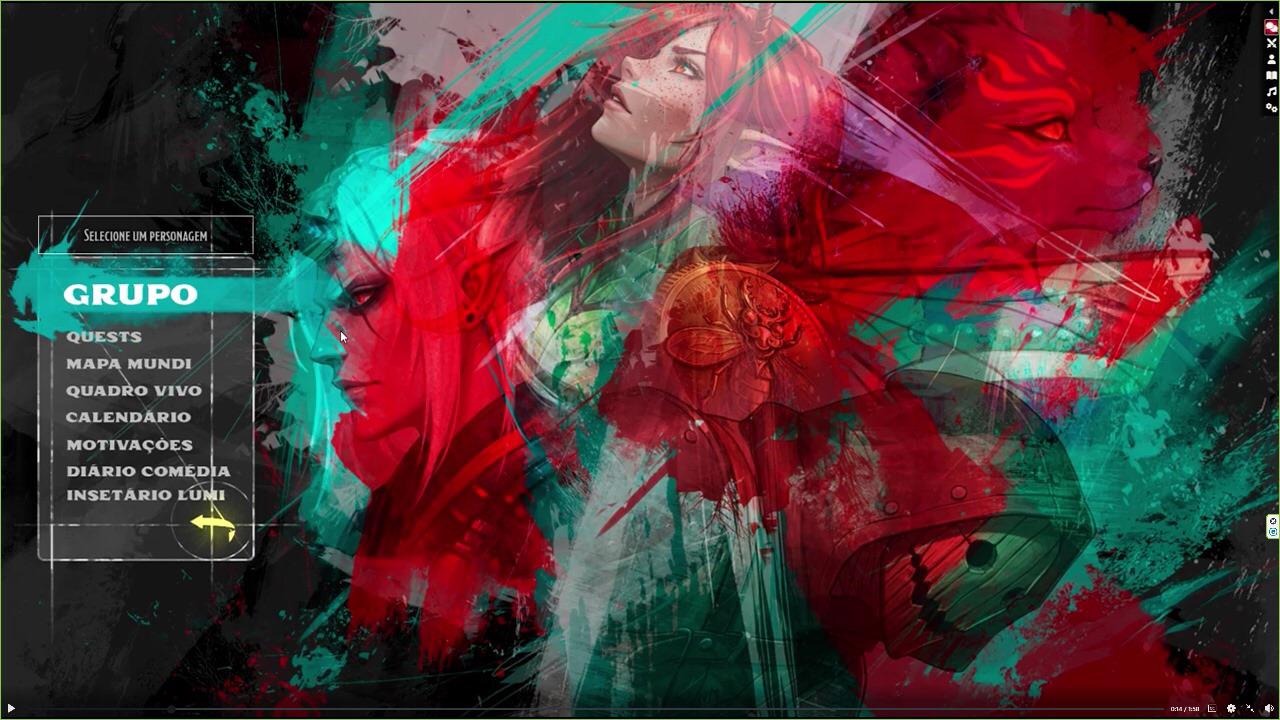
Hello guys! I’m new here and a complete moon to GIMP. Is there any tutorial for how can I do something like those overlays? I imagine is using different brushes and changing the opacity. Maybe some masks when the layers overlay on top. But is there a tutorial for such a thing?


r/GimpTutorials • • Feb 21 '25

What's the point of working in layers if you're going to flatten the picture in the end?

2 Upvotes

The question is in the title. I've read somewhere that by doing so, no one or nothing can remove the changes you made on the original picture. Is that true?


r/GimpTutorials • • Feb 16 '25

CRT Effect

2 Upvotes

Sorry if this has already been asked, but I'm looking for a toot on how to do this: https://youtu.be/eMnxwgGA6_M


r/GimpTutorials • • Feb 13 '25

How do I edit pre-made png templates?

Thumbnail gallery
2 Upvotes

All the tutorials seem to only show a completely new template and not one already made. I'm trying to create custom VHS labels. I just want to know how to attach separate image files to the colored spaces.


r/GimpTutorials • • Jan 29 '25

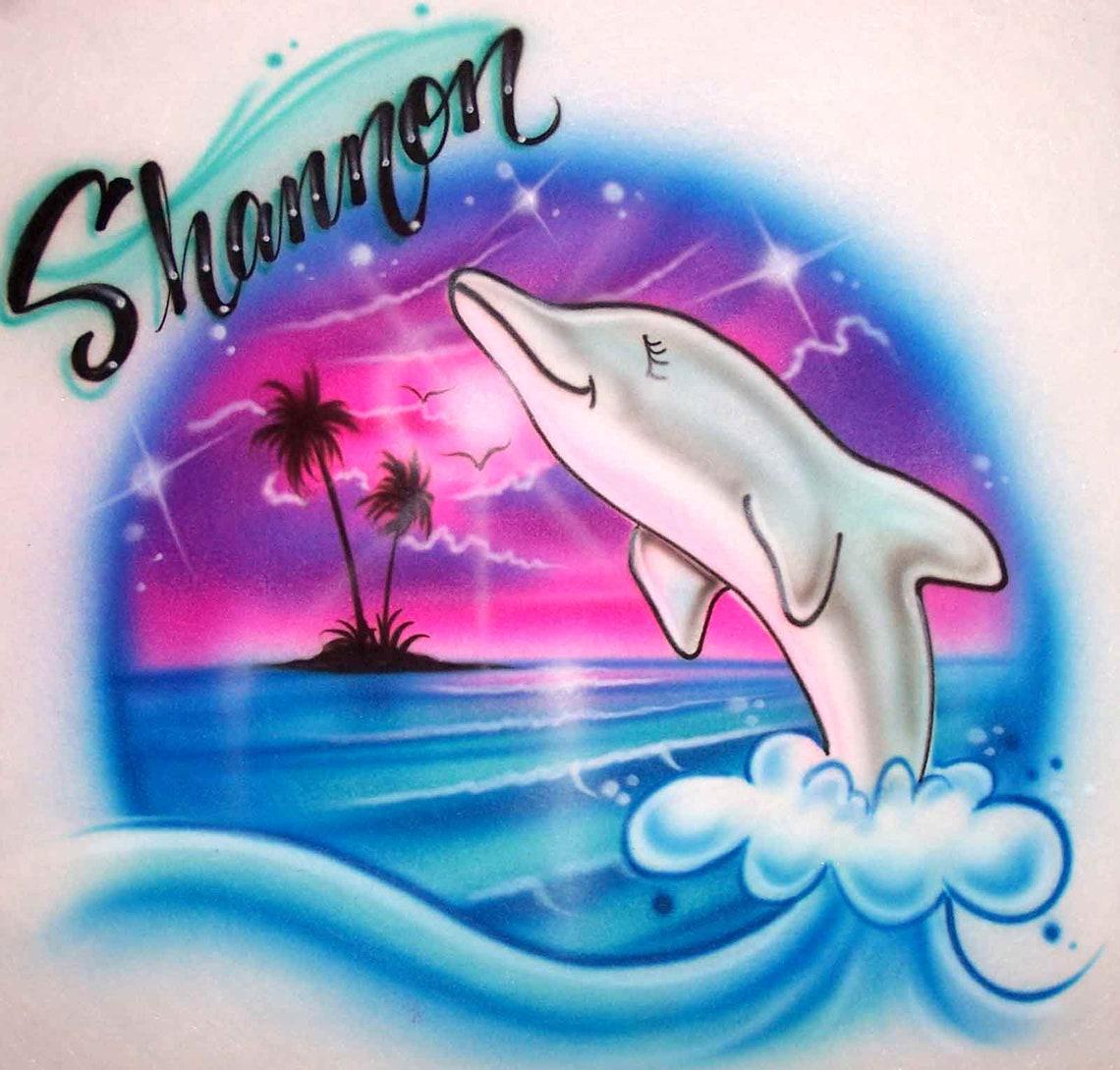
Using the airbrush tool, which settings do I adjust in order to get this classic airbrush look?

Post image
5 Upvotes

r/GimpTutorials • • Jan 25 '25

Help with texture coloring

2 Upvotes

I need help! I've been trying to recolor a sims 4 cc fedora to match the same colors as another fedora cc. How do I do that? Color picking didn't work at all and I'm confused.


r/GimpTutorials • • Jan 25 '25

Need help making a Logo have a golden texture

2 Upvotes

As the title says, I'm a newbie to this so any beginner friendly tips is much appreciated


r/GimpTutorials • • Jan 18 '25

Need help on creating collage in gimp 2.10

3 Upvotes

Hello, I need assistance with making a collage in GIMP. How can I create a side-by-side collage using two images in GIMP 2.10?


r/GimpTutorials • • Dec 15 '24

Exposure from window.

3 Upvotes

Hello. I’ve recently merged three bracketed images together at different exposures. However I’m unsure how to get outside the window visible as in one of my pictures it is. Can anyone help and explain how to get that onto the final picture or have a video they know of that explains ? Many thanks


r/GimpTutorials • • Dec 13 '24

Overlay just one shade from another layer?

2 Upvotes

Hi!

I have a layer with white text with blood spatter on it, and then another layer with just white different text. I'd like to replicate the same red bloodspatter pattern to the new layer.

Cannot figure it out, I guess use stamp tool for just red? or overlay the layer from just red channel or something? how would I go about this?


r/GimpTutorials • • Nov 29 '24

Help Needed with Blur Tool in GIMP

Post image
1 Upvotes

r/GimpTutorials • • Nov 10 '24

Microsoft Teams Emoji

Post image
4 Upvotes

I'm trying to create a gag gift for my coworker and want to print a custom t-shirt with the goth/emo emoji from Microsoft Teams. I'm completely unfamiliar with Gimp, but how can I blow up the Teams emoji? Googling brings up super pixelated and small images. Is there some kind of tutorial to resize an image without it becoming pixelated?


r/GimpTutorials • • Nov 02 '24

How to make this type of text (half cut-color)

2 Upvotes

r/GimpTutorials • • Oct 25 '24

Print Actual size .psd file

1 Upvotes

Hey, so I downloaded a .psd file from a website that gives templates to customize arcade sticks. The templates already come with the correct size and proportions, but when i try to print them, they come out the wrong size. How can i print them exactly how they were made?


r/GimpTutorials • • Oct 20 '24

It's me again... gif frame issues...

Post image
3 Upvotes

Starts out well. Plays fine ish in gimp. Needed to adjust a couple frame delays. Went to export to share for advice. Then this monstrosity was birthed


r/GimpTutorials • • Oct 20 '24

Delete Selected Not Making Transparency

1 Upvotes

I tried searching sub first, sorry if I missed it.

I'm trying to make a section of jpg transparent.

I created transparent alpha

I'm using free select on an area

Trying to delete to alpha.

But it's only going to bg color. Any help would be greatly appreciated, thanks!

Solved, see comments


r/GimpTutorials • • Oct 20 '24

WALLPAPER MAKING

Post image
7 Upvotes

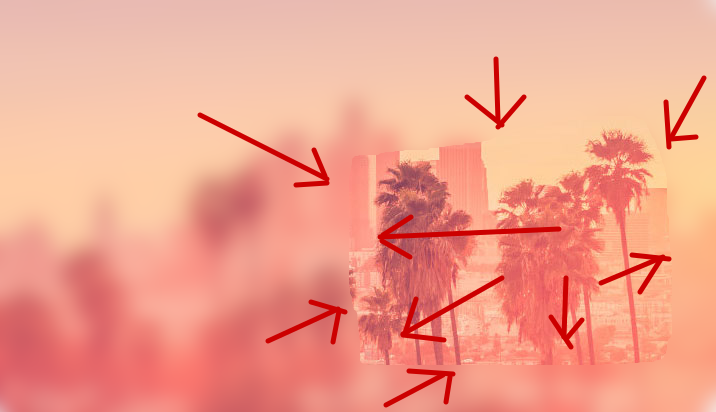
Hello guys, i want to make a similar wallpaper using pictures that i have, can gimp do it? If so can someone tell me how? Its my first time, thank you


r/GimpTutorials • • Oct 20 '24

Embed YouTube video for twitch intro?

1 Upvotes

I saw a video that made a TV in a static living room, and the TV was playing YouTube videos. It said it was in gimp. But the whole thing was 2.5 minutes and had no detail or explination. I couldn't even tell if it was actually gimp.

Edit, said it was PS.

Can we do this?

https://youtu.be/Ow8NDEBp97I?si=1IreOre_qL496UGb


r/GimpTutorials • • Sep 28 '24

How to make it so that I can move around the canvas by holding mouse scroll button?

2 Upvotes

It's the first time I am using GIMP and as default it lets me move around the canvas when I press the space bar, I don't like it and I would like to change that to mouse scroll button. I went to Edit > Preferences > Input Controllers > Mouse Buttons and I tried to set up the action but I can seem to find the one that lets you move around the screen. Otherwise the mouse works fine including the scroll button.