r/OnyxBooxC69 • u/Perfect-Housing-2735 • 23h ago
Community Apps Readblio: a free launcher that puts the book you're reading on your home screen, now with your own background picture

Hi all! I'm the developer of Readblio (formerly Pebble Desk), a free launcher for Android e-readers. Thanks to techierk for adding it to the recommended apps in the C69 debloat app. That's how a lot of you found it, so I wanted to say hi here properly.
What it does:
- Open a book in the BOOX built-in reader or KOReader, and it shows up on your home screen with its cover and progress. Tap it to jump back in.
- Reading time is counted per book automatically. No timers, no typing.
- Finished books go to a "Books this year" shelf, with a monthly recap.
- Also works with Moon+ Reader, Kindle, Libby, Readest and more.
New in the latest versions:
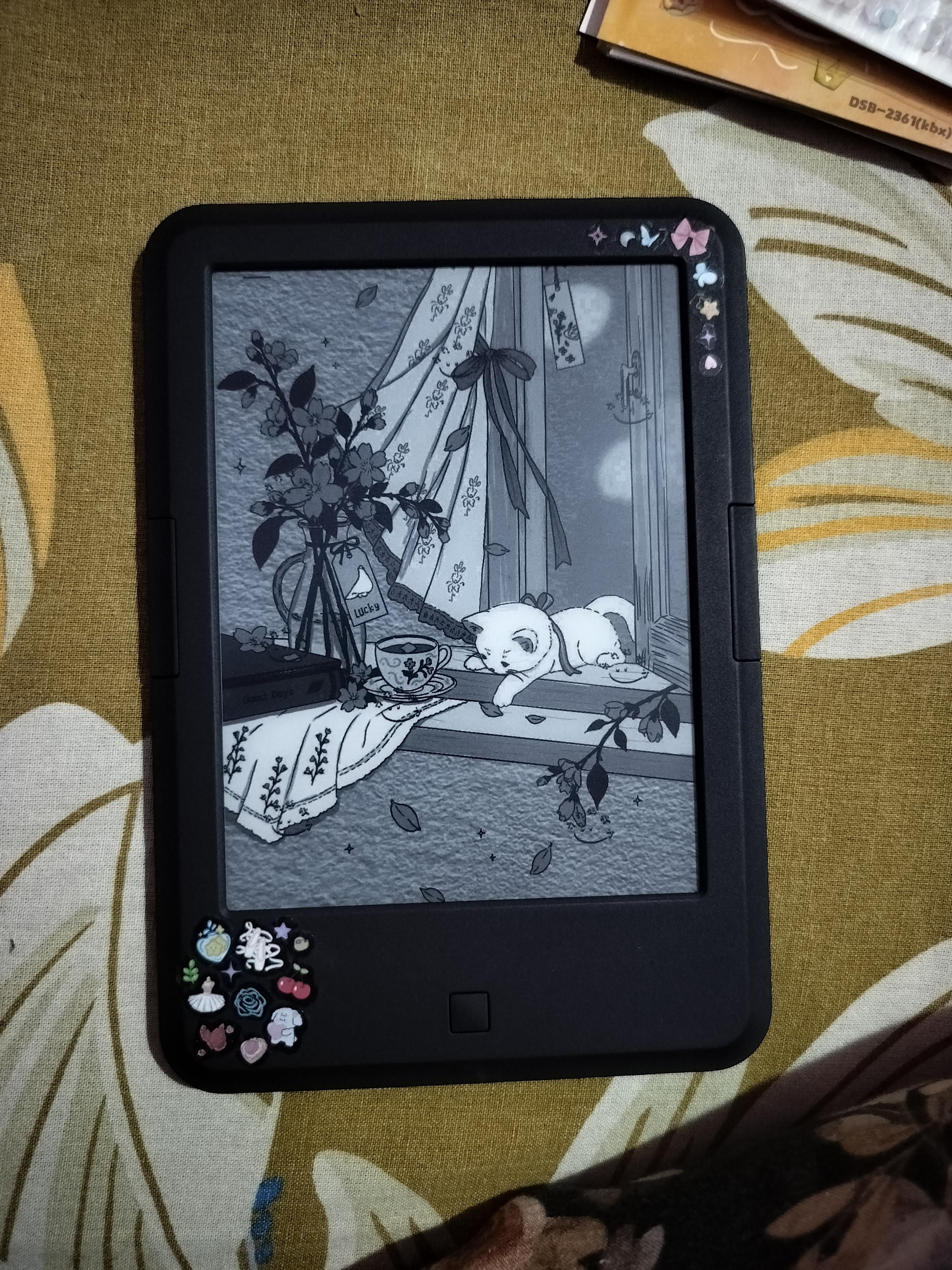
- Your own picture as the home background, with adjustable strength (Settings > Display > Background picture)
- Three home layouts: Standard, Covers and Library
- Six color themes
- Favorite apps grid (5 or 6 per row, app names optional)
I don't have a C69 myself, but techierk said it worked well on a C69 Faust 5. If anything doesn't work on yours, let me know in the comments and I'll take a look.
Photos and backgrounds by D3anne (u/Dapper-Researcher299). Readblio on a Bigme in the photos. Thank you so much!
Website: https://readblio.github.io/en/
English isn't my first language, so I used AI to help with the wording.