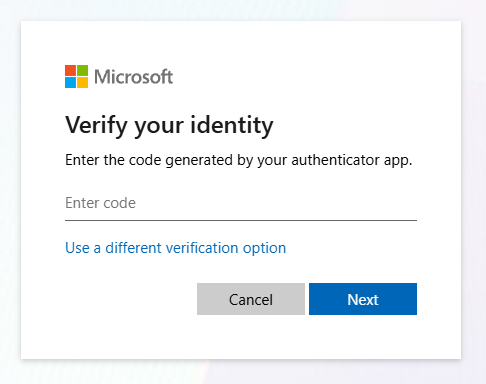
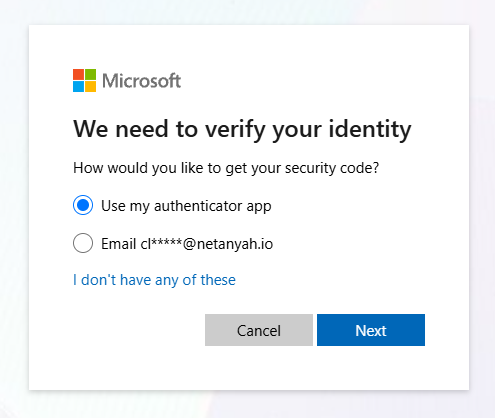
So we've all been having problems with our Outlook/Microsoft Accounts constantly looping to get us to verify our accounts with security codes sent to our recovery email every time we try to login. This started to happen after they changed how they verify accounts since Microsoft put through two updates last week on the 10th and 11th october to upgrade their Cloud Servers and the Microsoft Entra ID that is the verification system.
I've ran it through a google search continuing the search in AI Mode which is obviously using gemini and it's saying that because of how they've changed how they verify our accounts, we now need to keep the Cookies and Site Data for the Microsoft and Live websites because Microsoft saves a small Security Token (cookie) in your Browser that tells its Servers, "This device is already verified." so the cookies are your "Trusted Device" ID now.
Wiping the cookies resets your trust. So when you clear your Browser Data on Exit, that Token is deleted. The next time you open your Browser, Microsoft sees a completely unrecognized device and triggers a Security Verification check all over again😐
Previously, typing your password on an unrecognized browser was often enough. Now, whenever Microsoft detects a login with no existing browser cookies, its updated security system treats it as a high-risk sign-in and enforces a secondary verification code (or a passkey) before letting you in.
New authentication relies on cryptographic device tokens stored in your browser's local storage/cookies. Without that local token, Microsoft's servers have no secure way to tell the difference between you opening a freshly wiped browser at home and a hacker logging in with a stolen password from across the world.
The reason is because over the past year, Microsoft tightened its sign-in rules so they could ditch 2FA/SMS Codes and shifting accounts to a Passwordless Accounts. Although there are some glitches too atm with the verification of accounts, and on Windows 11 it doesn't seem to be holding onto the Verification when someone signs into Windows 11 using their Microsoft Account https://learn.microsoft.com/en-ca/answers/questions/6065597/windows-keeps-asking-me-to-verify-my-account-every
Sooo basically if this is a permanent thing now they've made this completely self-service and put the security of our Outlook/Microsoft Accounts entirely in our hands. Whereas before while we always used passwords they saved the security verification on their servers which was easier. Microsoft relied heavily on server-side signals (like your home IP address and basic browser details) paired with your password.
But because hackers now routinely spoof IP addresses and steal passwords in data breaches, server-side trust alone is no longer considered safe.
So i think my instincts on this were correct that we should keep Outlook logged in on our Internet Browser on another Profile so then the Cookies and Data don't get deleted. If you have more than 1 account maybe open them in multiple Profiles or open them in the Apps. I think i plan on deleting my 2nd Outlook/Microsoft account though and just only have 1 account to make it easier to manage.
Can someone verify that this is indeed the way we have to keep our Outlook/Microsoft Accounts verified now?.
Edit: So it's saying that we'd have to keep the Cookies & Data on our Browser if we don't have a Passkey setup, but to avoid asking to be Verified we'd have to setup a Passkey.
I think it's meant to be a temporary workaround by keeping the Cookies & Data and occasionally like every 2 or 3 months Verifying with our Recovery Email if we can't currently setup a Passkey. And it's also part of the fallback plan when we switch to a new device.
Atm though because it's also glitching and repeatedly asking to Verify i think it would be a good idea to keep the Cookies & Data upon exit of your Browser until they fix all the glitches and bugs.