r/PXSDesktop • u/willy_bj • 7d ago
PXS Desktop for Android is out: a real desktop on any Android 13+ phone or tablet, and Netflix full screen on the big screen
PXS Desktop is on Google Play now: Google Play
On an iPhone? App Store
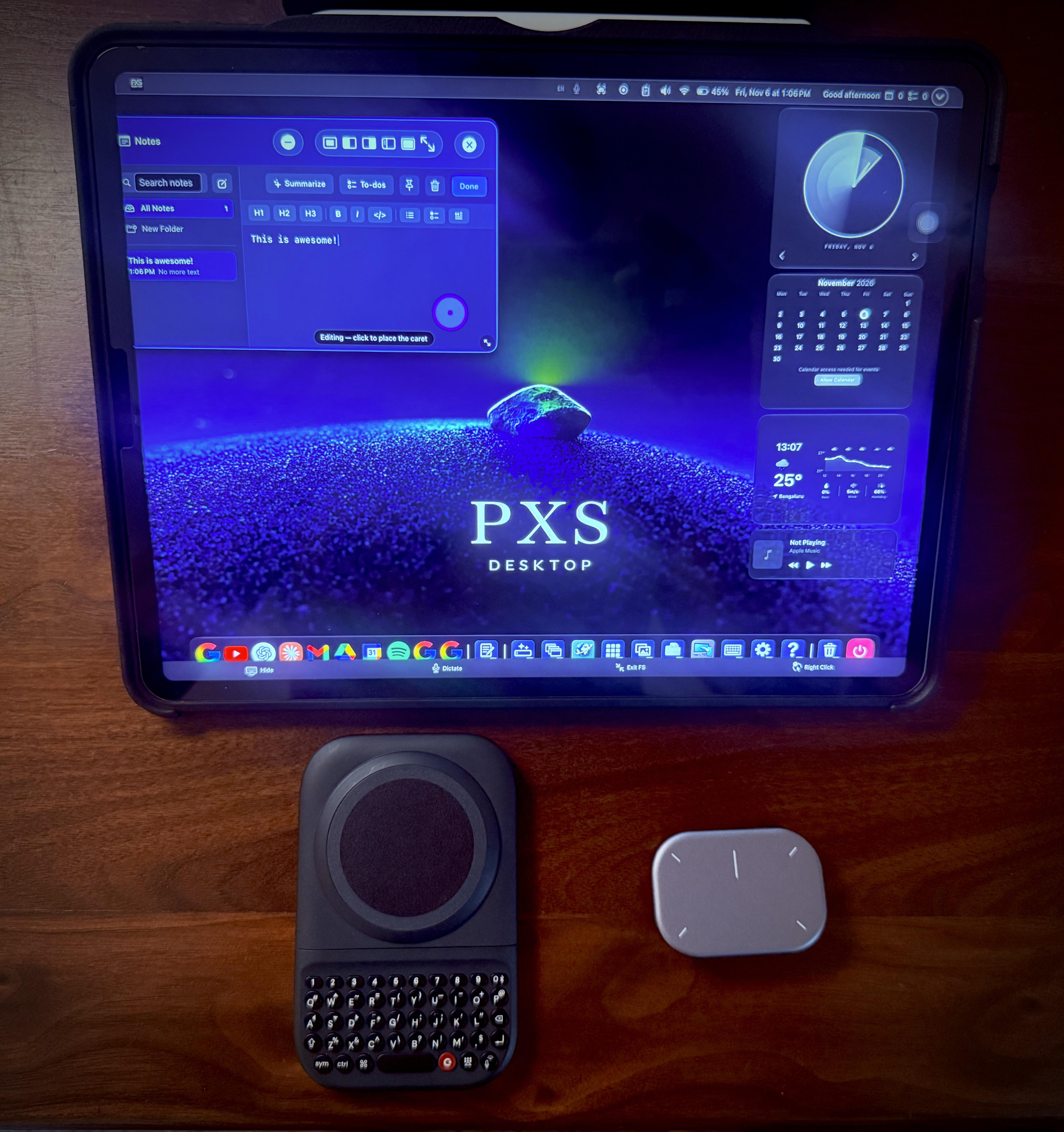
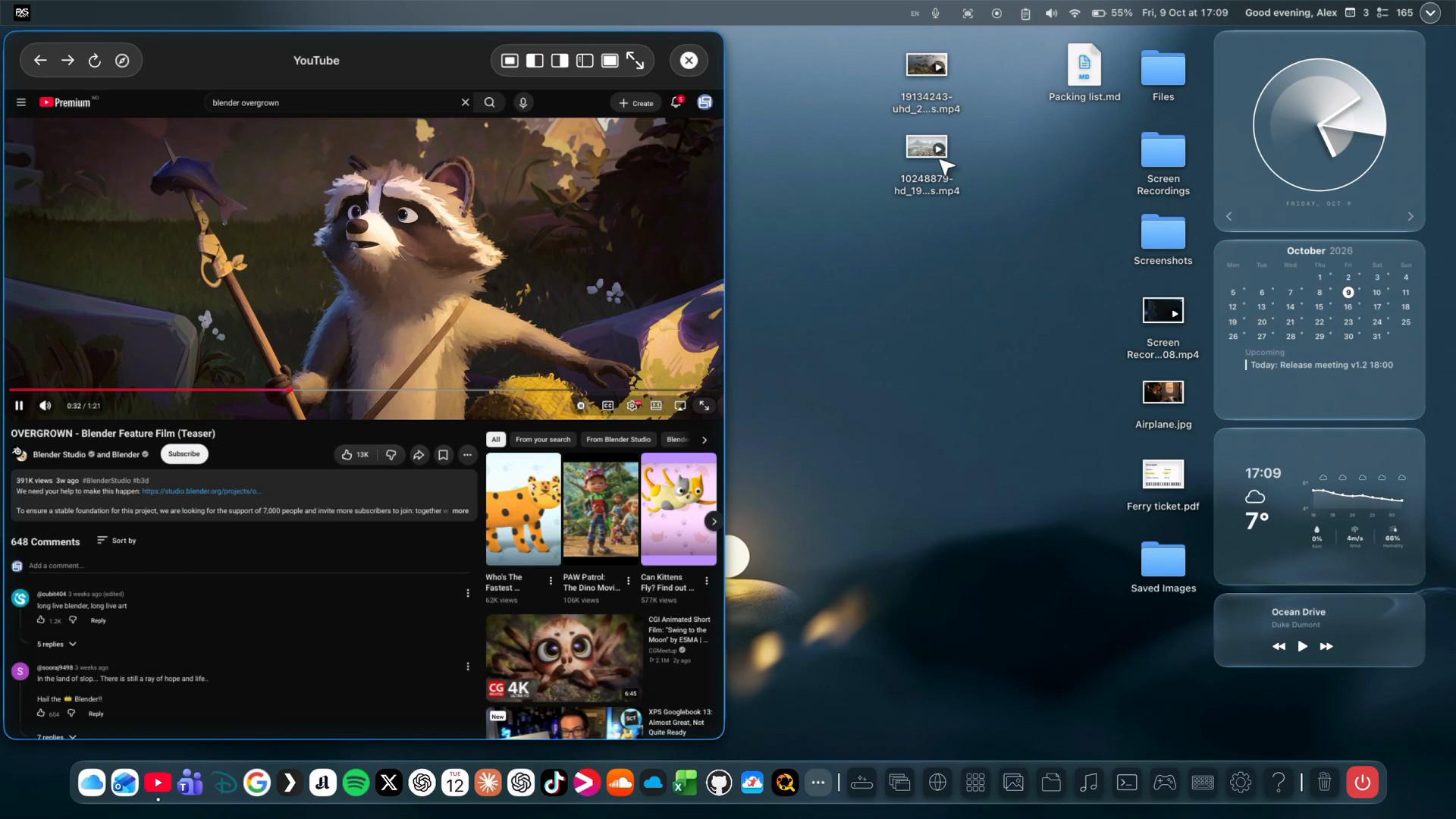
The same desktop as on the iPhone and iPad: windows, a dock, a launcher and a desktop-class browser, on a monitor, a TV, AR glasses or any web browser (AnyScreen). On a tablet, the tablet's own screen becomes the desktop, with a Bluetooth keyboard and mouse.
On Android:
- Netflix in the Netflix app: pick a film on Netflix's website in PXS and it plays full screen in the Netflix app on the wired screen or glasses, with your phone or tablet as the remote (skip 10 seconds or 1 to 30 minutes, volume, and its screen dims).
- Head tracking (3DoF) for VITURE glasses, built on VITURE's own SDK with their permission.
- Your notifications on the desktop, and replies with a real keyboard.
- Your own Android apps in the dock and the launcher (they open outside PXS).
Also there: 3D mode for glasses, Screen Sharing with your Mac or Windows PC (free PXS Helper), GeForce NOW and Xbox Cloud Gaming with a controller, and Files with SD cards and USB drives.
You need Android 13 or newer. For a cable, the phone's or tablet's USB-C port must carry video (DisplayPort Alt Mode). On Samsung, set Settings › Connected devices › Samsung DeX › Connected display to Mirrored.
3 days free (only days you use the desktop count), then $29.99 once (launch price, normally $39.99), $19.99 a year or $5.49 a month.
It's the first Android version, so tell me here what breaks and I'll fix it fast. :)