r/PlayStationSolutions • • 15h ago

PlayStation Help PSN account closure

4 Upvotes

im curious on if anyone has actually managed to successfully cancel their account closure through playstation support and how? because as of right now, it feels like im talking to a wall with this ai bot and even the live agents. please send tips ive been trying for 3 whole days now.


r/PlayStationSolutions • • 10h ago

PlayStation 5 Help Screw for the SSD slot was overtightened

Post image
3 Upvotes

Guys, what should I do? I've bought the right screwdriver by now, but the screw is already stripped. My SSD is just sitting there without a heatsink.


r/PlayStationSolutions • • 11h ago

PlayStation 5 Help How to fix this issue?

3 Upvotes

I can't play any games suddenly today. I tried clearing the cache, rebuilding, and cleaning the console. Still wouldn't solve anything. Any tips or suggestion, appreciate it.


r/PlayStationSolutions • • 1h ago

PlayStation 5 Help Memory error

2 Upvotes

my PlayStation keeps crashing due to memory error, it's relatively new maybe 4months old unsure why it's happening as i have 200gb at least of storage. i have already rebuilt database and reinstalled mw4 as that the only game i play and its still happening and has gradually started to happen more

any help would be much appreciated


r/PlayStationSolutions • • 1h ago

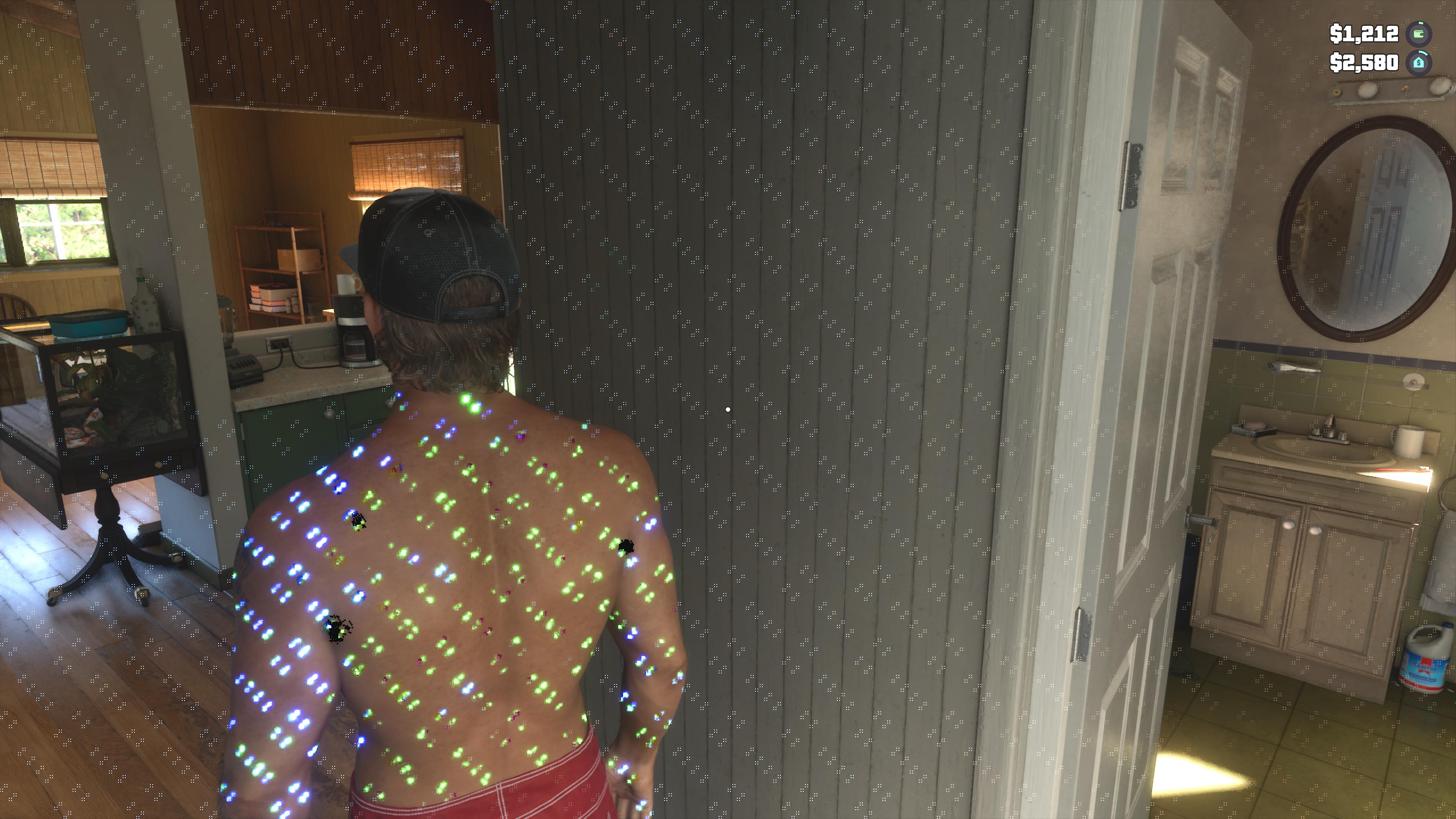
PlayStation 5 Help Is my GPU cooked ?

Post image
2 Upvotes

My GTA 6 been like this since release, never had any issues before. It’s only a year old and doesn’t get overly used, anyone any ideas ?


r/PlayStationSolutions • • 5h ago

PlayStation 5 Help HDMI ps5&

Post image
2 Upvotes

r/PlayStationSolutions • • 6h ago

PlayStation 5 Help Can’t open game

Post image
2 Upvotes

r/PlayStationSolutions • • 2h ago

PlayStation 5 Help Game sharing not working!

Post image
1 Upvotes

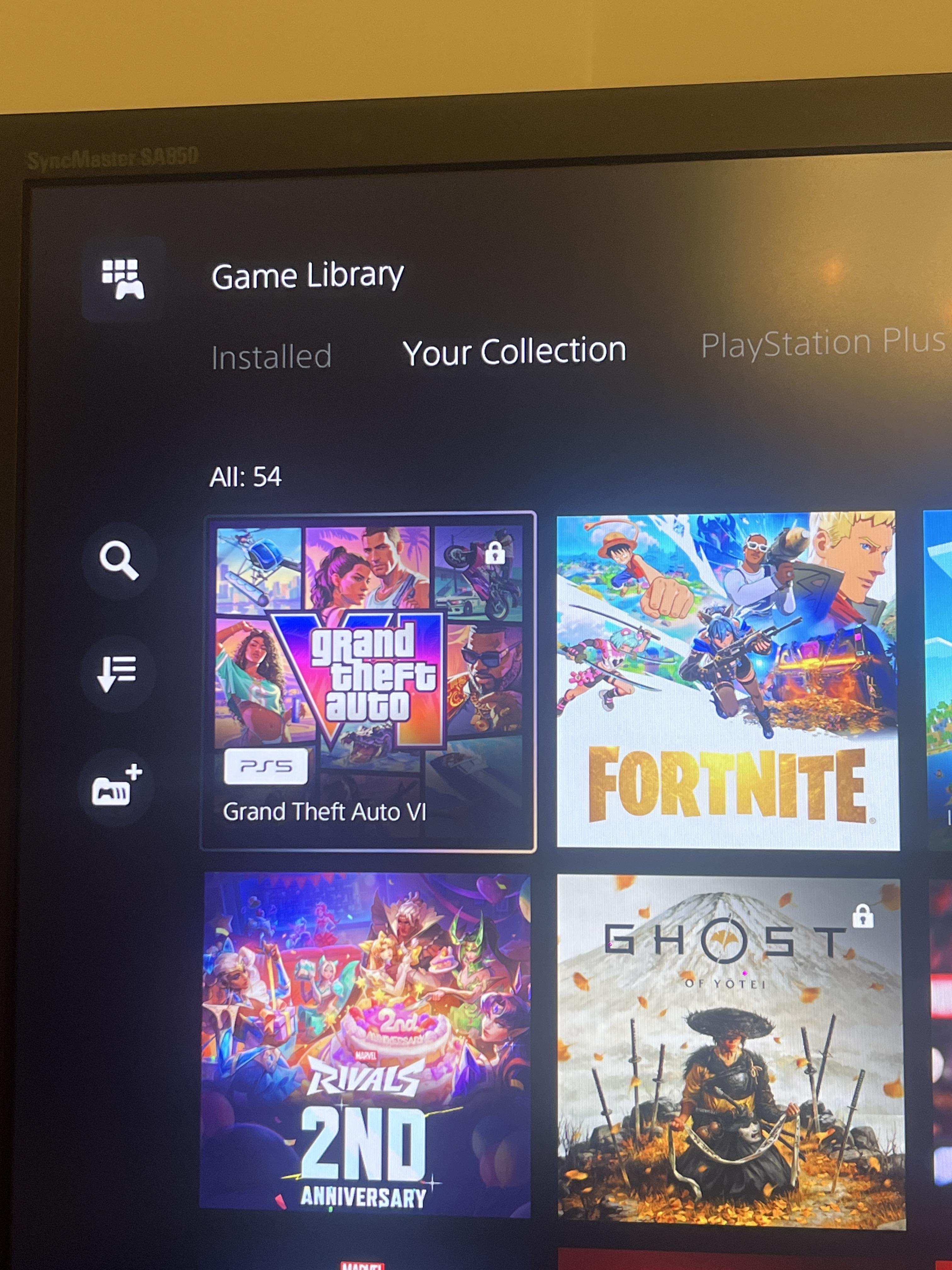
Title: PS5 Game Sharing problem – GTA 6 shows a lock even though my friend owns the game
Hey everyone!
I’m having a really frustrating issue trying to game share GTA 6 with a friend, and I’ve tried almost everything I can think of. Hopefully someone here knows what’s going on.
Here’s the situation:
My friend has purchased GTA 6 digitally through the PlayStation Store.
The purchase is confirmed in his transaction history.
He can download and play GTA 6 perfectly fine on his own PS5.
I want to play the game on my PS5 using his account and Console Sharing.
The weird part is the Console Sharing setting:
On his PS5, when he goes to:
Settings → Users and Accounts → Other → Console Sharing and Offline Play
It says “Enable”, meaning Console Sharing is currently disabled.
However, when I log into his PSN account on my PS5, the setting already says “Disable”, meaning Console Sharing is enabled on my console.
So, as far as I understand, Console Sharing is already activated on my PS5.
The actual problem:
When I log into his account on my PS5 and go to GTA 6 in his Game Library:
The game has a lock icon.
When I select it, I get the option “View Product”.
When I select that, the PlayStation Store asks me to buy GTA 6 for £89.99.
The game doesn’t even appear as available to download on his account on my PS5.
Things I’ve already tried:
Restoring licences on my PS5.
Restoring licences on his PS5.
Turning Console Sharing on and off.
Restarting both PS5 consoles.
Updating the system software.
Clearing the PS5 system software cache.
Checking his purchase history to confirm that GTA 6 was actually purchased.
None of these things have worked.
One more potentially important detail:
My friend lives in Norway, but his father is British, and his PSN account seems to be registered in the UK. His PlayStation Store displays prices in GBP (£) rather than NOK. He purchased GTA 6 through this account and can play it normally on his own PS5.
Could the UK account region have anything to do with this issue, or am I missing something with Console Sharing or game licences?
Has anyone experienced something similar? I’d really appreciate any help or suggestions. I don’t want to purchase the game again when it’s already been paid for.
Thanks!


r/PlayStationSolutions • • 2h ago

PlayStation Help Rumore ps5

1 Upvotes

ho effettuato la pulizia delle ventole e c’è un rumore fastidioso nella mia ps5 è normale?


r/PlayStationSolutions • • 3h ago

PlayStation 5 Help Need help with PS account

1 Upvotes

Hey there.

I recently accidentally logged out of my account because i wanted to switch emails,however the email tied to that account is now gone and when i want to log back in it asks a verification code. I was wondering is there any way to get it back or not really.


r/PlayStationSolutions • • 5h ago

PlayStation 5 Help Is there a way to fix this left thumbstick rubber sticking out without replacing it ?

Thumbnail
gallery
1 Upvotes

It’s very annoying


r/PlayStationSolutions • • 6h ago

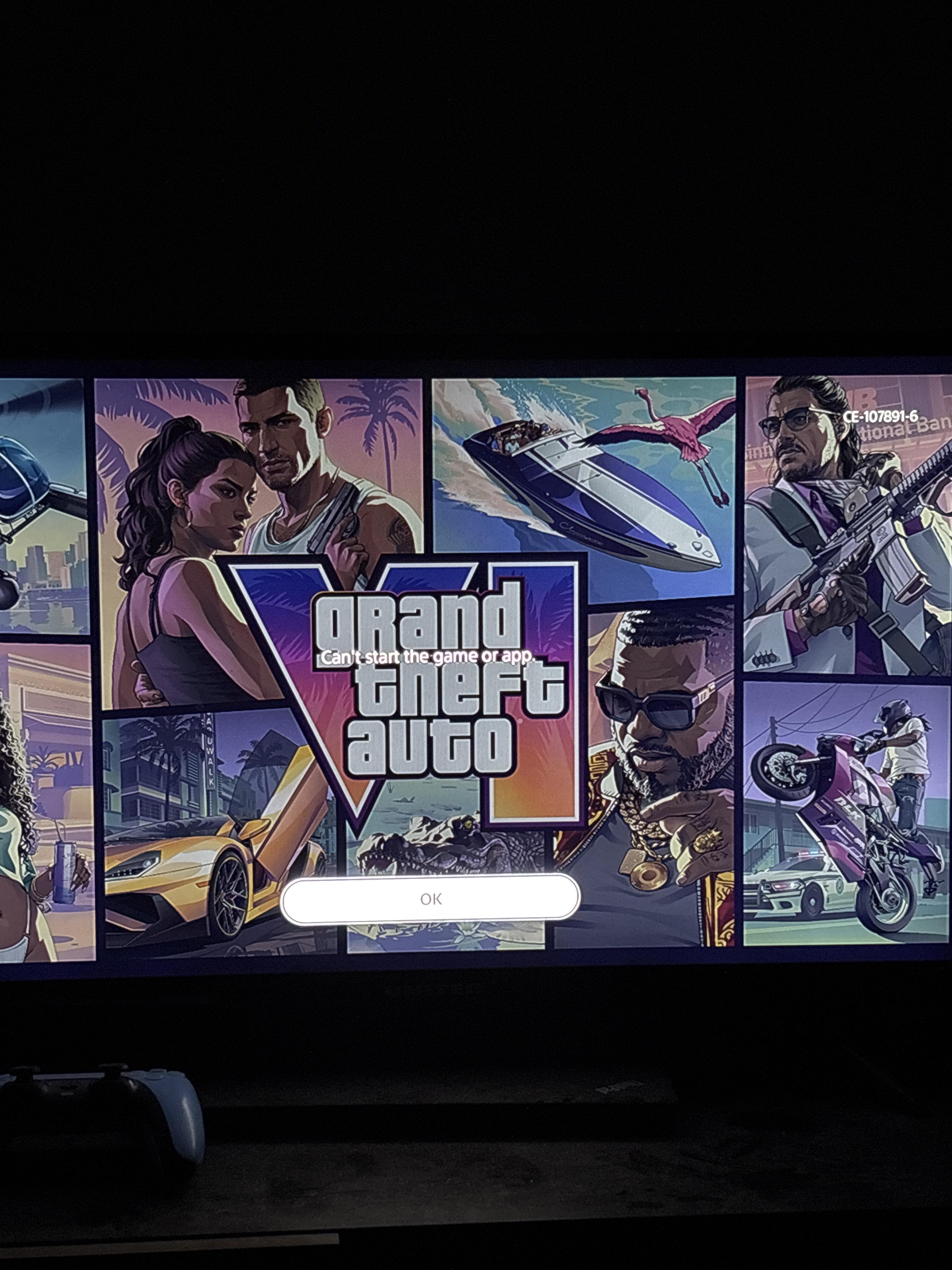
PlayStation 5 Help Can’t start the game or app

Post image
1 Upvotes

Only with GTA VI all other games work fine. Is there anything i could try except for reinstalling the game? I don’t wanna wait lol


r/PlayStationSolutions • • 6h ago

PlayStation 4 Help Verification email never arrives

1 Upvotes

Ok, here is my situation. Over a week ago, by mistake, instead of switching users, I clicked "log off" on my PSN account. When I try to log back in, after I enter my password, I get a message along the lines of: "It looks like you're trying to sign in to your account from another device or browser. A verification code was sent to your email address."

The big problem is that this email never arrives. I've already checked my spam folder and all my other email folders. I also checked that my Gmail isn't blocking any Sony addresses, and I even added Sony support's email as a contact. Nothing. The email with the verification code never comes through.

I've been contacting online support all this past week, and unfortunately, it has been impossible to get a resolution.

When the chatbot transfers me to a live agent, it asks to send a verification code—which always arrives at my email without any issue.

Once I'm connected with an agent, they ask for my console's serial number, which I provide, and then tell me that to continue I have to give them the receipt for a purchase I made on PSN.

And that's where everything hits a dead end.

The purchases I've made on PSN have all been through digital card top-ups/recharges. I don't have "receipts" like that. When I explain this, the agent says they can't proceed unless I have what they're asking for, and ends the chat. Basically, "lol, good luck."

Support hours are from 7 a.m. to 5 p.m., and agent wait times are around 40 minutes, so I've been able to go through this process at most twice a day after getting off work. Every single time, I get the exact same result. They don't even offer other verification methods or alternatives—they just close the chat.

And it's not even that I don't know my password; the issue is that the sign-in verification email never arrives.

I feel like customer service is supposed to make things easier, but my experience with online support—both bots and agents—has been the exact opposite.

Is there any other way I can reach some kind of technical support? A phone number maybe?

Any help would be greatly appreciated.


r/PlayStationSolutions • • 7h ago

PlayStation 5 Help Bro I hate playstation support so much

1 Upvotes

Idk why but the support doesn't work the number for calling them doesn't work I cant log in to my account and cant play nothing since Friday im trying to contact them but it keep saying "I'm sorry we missed you. Our agents are currently offline, but our self- service tools are still available. Agents should be back again on Monday, November 23rd 2026. For our complete hours of operation, please click below."

Even if i am in the operation hours they keep sending this.


r/PlayStationSolutions • • 7h ago

PlayStation 5 Help Ps5 disc drive noise

1 Upvotes

r/PlayStationSolutions • • 15h ago

PlayStation 5 Help [PS5] Shutting off even after repairs.

Thumbnail reddit.com
1 Upvotes

r/PlayStationSolutions • • 15h ago

PlayStation 4 Help PlayStation not connecting

1 Upvotes

Hi, so my playstation 4 controller keeps blinking blue and won't connect. I tried resetting, switching playstation, switching chords. It also wasn't charging til I switched a chord, but now it's not working again to even charge. Literally nothing worked, and I know it's not the tv or console itself, bc it did it on another one. If you know anything else please help!


r/PlayStationSolutions • • 16h ago

PlayStation 4 Help DualShock 4 controller not charging?

1 Upvotes

My controller has been acting nuts!! I've tried to charge it with a USB on my laptop, and it's showing that it's 100% with PS Battery plugin from Windows Store. No big deal, until I unplug it and notifies me that it's 0% when unplugged... should I change the battery now or just buy a new one?


r/PlayStationSolutions • • 19h ago

PlayStation Help Regarding GTAVI plumbing bug & CE-108255-1 error code

1 Upvotes

Thanks to all that gave suggestions for fixes and Dexterto, IGN, and any other jounalists outlets that help cover and get my issue known out there. I manage to get past the plumbing mission by drowning myself by the closest water outside Mandy's house about 3-5 times until it give me the option to skip my last checkpoint. Since then I been good up until Chapter 2 I'll still experience some minor game crashes when things start happening but my main one was the Pipework Plumbing. Hopefully the CE-108255-1 error code and other issues players are experiencing can be fixed on Rockstar/Sony's end soon just keep notifying them.


r/PlayStationSolutions • • 21h ago

PlayStation 5 Help PS5 Digital (modèle de lancement, série CFI-1000) – arrêts inopinés, vitesse du ventilateur constante.

Thumbnail reddit.com
1 Upvotes

r/PlayStationSolutions • • 3h ago

PlayStation 5 Help Permanently Suspended Account Help

0 Upvotes

I'm writing this as a long-time PlayStation user with a 20+ year old account which was recently suspended. I have tried following up via the Support chat and via the phone; I am currently at a total loss of what to do.

**Context:** For some background, I tried signing into my PlayStation account last week (November 8th) and was surprised that I got a suspension error message. I had not received any emails or notices about a suspension, so figured I'd check in with support.

I followed up with chat support and they mentioned that I have a temporary suspension to protect my account from suspicious activity and that they'd need to follow up with a specialist team to see what could be done (and that this team would follow up via email). I hadn't received a response over the next few days, so followed up via chat support a couple other times to try to get a status update (citing the prior ticket numbers) and each time the agent would mention they'd get the specialist team to reach out and would immediately close my current chat session, without any additional comment on if they looked into the prior case numbers.

I waited a week (the last agent had mentioned it could take 5 business days) and still had not received a response, so I tried the phone line today. Over the phone, I was informed that my account had violated the terms of service and that it was permanently suspended, not temporarily suspended. This was shocking to me, as this whole time I had been told that there was a temporary suspension in place to protect my account.

My mind was racing as to what could have triggered a suspension: I hadn't played in months, I don't have family members or anyone else who has access to my console, I use 2FA and passkeys to safeguard my account, etc. The only thing I had done recently was change my email address, which I did after switching providers in September. My email provider change was to Proton Mail, using SimpleLogin (a Proton service) as an alias to forward my emails directly to my Proton Mail. I told the agent over the phone that that's the only thing I could think of; that maybe a new email on a long-standing account would be deemed suspicious and trigger a suspension.

The agent mentioned that they could not provide additional information around the triggers for my suspension, but just mentioned that I had violated terms of service and that I can create a new account to continue using my PlayStation. I pushed back, as I had not received any suspension notice, I had received no follow ups from the prior inquiries I had made (yes, I have checked junkmail/spam folders), and I have not been provided an explanation as to why my account is suspended. I requested that, at the bare minimum, I wanted the team to send me written notice around the nature of the suspension, with the hope that I could at least discuss whatever is going on with someone.

He stated that the backend team has denied my request and that there is no further course of action for me. I asked to escalate as I adamantly want to be provided with some details. In my head, surely if this was triggered by an email change, we could just revert my email. He mentioned there's nothing to do and that he'd have to terminate the call as there was nothing he could do and they were busy with Grand Theft Auto VI calls coming in.

**Possible suspension trigger and what doesn't add up:**
Here's something that doesn't make sense to me. After researching, I now know there is an appeals page for suspensions, but that page says there have been zero actions issued against me in the last six months. I only switched email providers in late September, and was able to login to my account and update my email address after that. If my account was accessible in September/October and now locked in November, how could it be possible for my Moderation History logged over the last six months be zero?

I'm gutted and at a total loss here. Has anyone had any success in figuring out how to restore access to their account or come across a similar situation?

**TLDR:** I tried logging into my PlayStation account a week ago, got a suspension error code, followed up w/ chat support and informed it was a temporary suspension to protect my account and that a specialist team would email me. I followed up again this week over the phone (as I hadn't received an email) and was informed my account is permanently suspended and they cannot tell me why.

r/PlayStationSolutions • • 17h ago

PlayStation 4 Help Having trouble installing Marvels Spiderman on ps4 via disc

0 Upvotes

I'm having a really frustrating issue trying to install Marvel's Spider-Man (2018) on my PS4 using a physical disc.

The installation consistently gets to approximately 14.9GB before failing. It doesn't matter how many times I retry; it always seems to fail around the exact same point.

When it fails, I get a generic "An error occurred" message. After pressing OK, I'm taken back to the home screen, where Spider-Man appears with an X over its icon and a loading bar instead of the usual Start button.

If I try opening it, I get error CE-30005-8. I also get error CE-40841-7

I've spent HOURS trying to fix this, and here's everything I've tried so far:

  • Cleaning the disc.
  • Reinstalling the game multiple times.
  • Installing the game offline.
  • Keeping the internet connected while installing.
  • Pausing the Spider-Man update download during installation.
  • Rebuilding the PS4 database multiple times.
  • Restoring licences.
  • Restarting the console.
  • Checking available storage.

I have approximately 300GB of free storage, so storage space shouldn't be an issue.

Its a weird issue considering that:

  • I've never experienced an installation error with any other physical PS4 game.
  • Other physical games install perfectly fine.
  • Spider-Man consistently fails at approximately 14.9GB.

I've also seen other people online reporting very similar Spider-Man PS4 installation problems, including people experiencing CE-30005-8 at around 12GB, with rebuilding the database and cleaning the disc not helping.

There's another complication: I originally purchased the disc from EB Games, but EB Games NZ has since shut down, so returning to the original retailer isn't really an option for me.

I'm also considering contacting PlayStation Support to see whether they would be willing to provide a digital copy or licence as a goodwill gesture, since I've purchased a legitimate copy but cannot actually install or play it. They said they can't do anything and basically told me to return it to the retailer, which i can't

I have a few questions:

  1. Has anyone experienced this exact issue with the Spider-Man PS4 disc, particularly installation failing around 12–15GB?
  2. Did you manage to fix it? If so, how?
  3. Could the disc work perfectly on a PS5 but fail to install on a PS4?
  4. Has anyone successfully contacted PlayStation Support about a faulty physical game disc and received a digital replacement?
  5. Is there anything else I can try before completley losing my mind I'd really appreciate any help. I've been troubleshooting this for about 10 hours and I'm honestly getting desperate to finally play this game.

Thanks!


r/PlayStationSolutions • • 18h ago

PlayStation 5 Help My psn has been stolen, email changed, is there any hope of getting it back

0 Upvotes

Literally couldn’t get in touch with support for the entire day. Does anyone have any advice on what I can do to get it back?


r/PlayStationSolutions • • 3h ago

PlayStation 5 Help I’m Just Sad

0 Upvotes

108255-1 at the loading screen as soon as it hits Jason’s knees. 16.78mb. Since Wednesday. Silence from PS and Rockstar since then. Latest patch: didn’t fix shit.

It’s safe to say no fix is coming that doesn’t involve buying a new console and hoping it is a lucky one.

I know for certain R* just doesn’t care and does not have a fix in progress: PlayStation has tipped their hand by allowing refunds.

Sucks I won’t get to play this game, since my PS5 plays literally everything else I’m just gonna wait for a PS6.