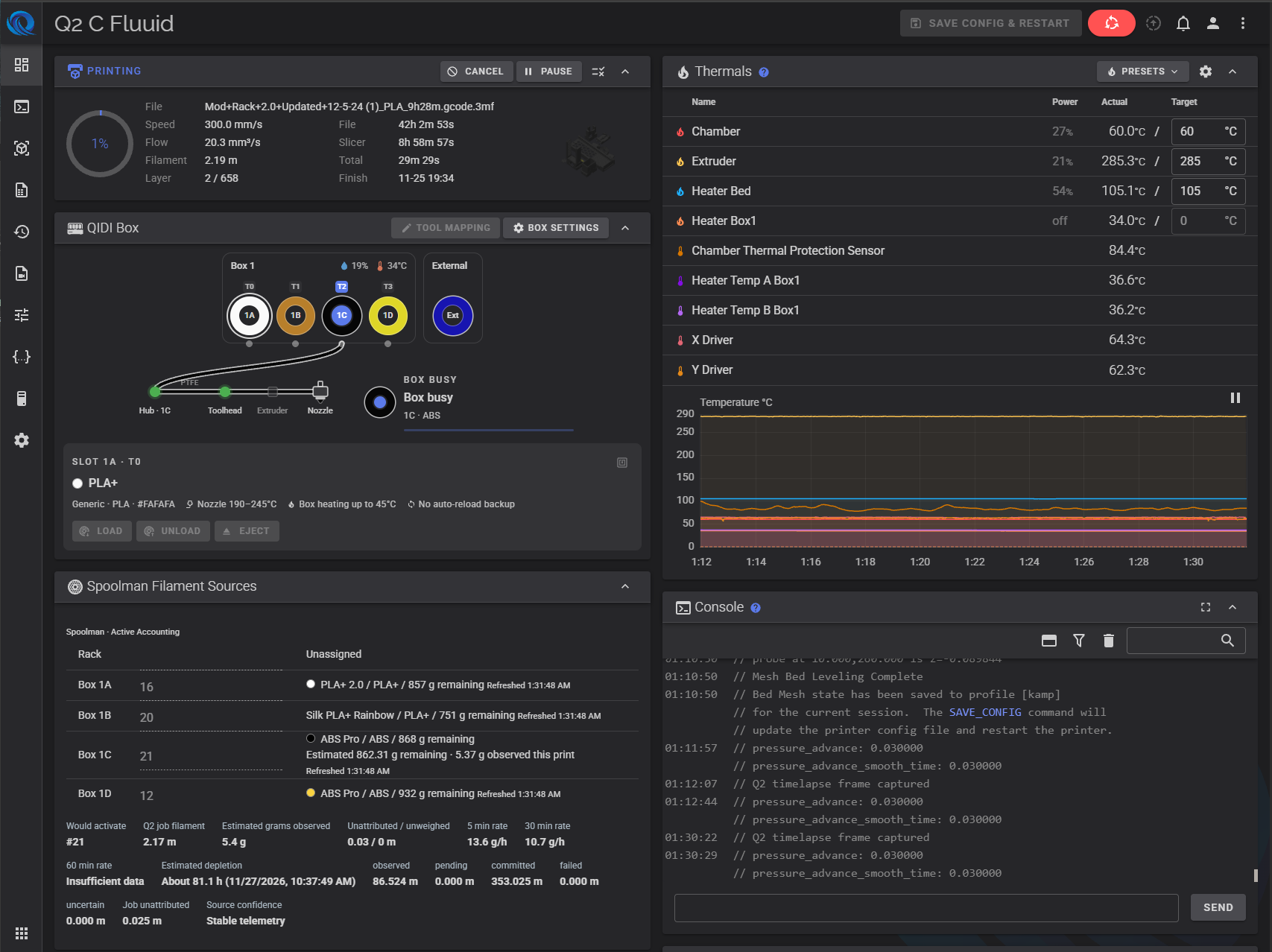
At this point idk what else to do with this printer. I've reached out to Qidi support and sent them logs, but figured I'd make a new thread with everything that's been going on to see if anyone else has experienced all or some of these issues.
I'm currently running firmware 01.01.03.02.
Qidi Box issues:
The Box feeds filament relatively quickly through the hub and then slows to an absolute crawl before eventually stopping just short of the extruder. The slot turns red and I get error QDC_100_005_000_001. This happens on all four slots.
The Fluidd console gives me the following:
QDE_004_006; Message: Extruder loading failure.
Step BOX_LOAD failed. Pausing flow.
I've done the following trying to diagnose it:
- Replaced the extruder filament detection sensor.
- Verified through Fluidd that the new sensor detects filament and correctly reports when there is no filament.
- Checked the PTFE tubing for resistance.
- Checked the hub for resistance.
- Disconnected the PTFE tube at the extruder to eliminate the extruder as a possible obstruction. Filament still stops just short of exiting the tube.
- Trimmed a small amount off the PTFE tube.
- Reseated communication cables.
- Updated firmware.
- Factory reset the printer.
- Checked the endstop states through Fluidd.
One thing I noticed is that the b_endstop changes states but I haven't been able to get the e_endstop to change. Idk if that's significant or if I'm misunderstanding what that particular sensor does.
External spool issues:
I figured I'd just use the external spool until Qidi got back to me. Well, now that's giving me issues too.
When trying to automatically load filament, the printer heats up and then tells me "Filament grinding detected."
I've literally taken the extruder gears out and inspected them. There is no filament or debris in there. The gears don't even attempt to turn during the automatic loading process before giving me the grinding error.
However, if I use the manual extrusion controls on the touchscreen, the gears turn, pull filament in and extrude perfectly fine.
The Fluidd console gives me this during automatic loading:
Unable to parse 'slot16' as a literal
I found this GitHub issue that appears to describe the same problem:
https://github.com/QIDITECH/QIDI_Q2/issues/29
Printer shutdown:
While attempting to print from the external spool with the Box physically powered off, the printer completed its startup routine and then completely shut down Klipper.
Internal error on command:"T_MANAGER"
Looking through the Klippy logs, I found this:
File "multi_color_controller.py", line 1830, in cmd_T_MANAGER
File "multi_color_controller.py", line 1421, in filament_printing_manager
File "box2base.py", line 1239, in filament_printing_manager_box2
IndexError: list index out of range
I've since disabled the Box through Fluidd using the enable_box variable and verified that it's set to 0.
Camera issues:
On top of all of this, I've also discovered that my camera no longer works. It worked a while ago, but idk exactly when it stopped working.
Qidi Studio says the camera is playing, but the screen is completely black. Moonraker shows that the camera is enabled, but trying to access the camera stream directly through the printer's IP gives me a 502 Bad Gateway error.
Where I'm at now:
I'm starting to question how much of this is actually hardware related and how much of it is firmware related. I'm not necessarily saying all of these issues are connected, but there are clearly some software errors occurring.
I've probably spent more time troubleshooting this damn thing than actually printing lately. I'm in the middle of trying to organize my woodshop with Gridfinity and bought the Box specifically because I wanted to do multicolor bins and labels.
Has anyone else experienced this many issues with the Q2 or this particular firmware version? Has anyone had any luck with downgrading the firmware or doing a complete reflash rather than a factory reset?
At this point I'd be happy just getting the printer back to functioning normally, let alone getting the Box working.
It was working fine yesterday as I've had the new detection sensor in for a month with no issues. While trying to get the box fixed, which has been down for a month and I've been putting off fixing it, this has gone to shit quick.