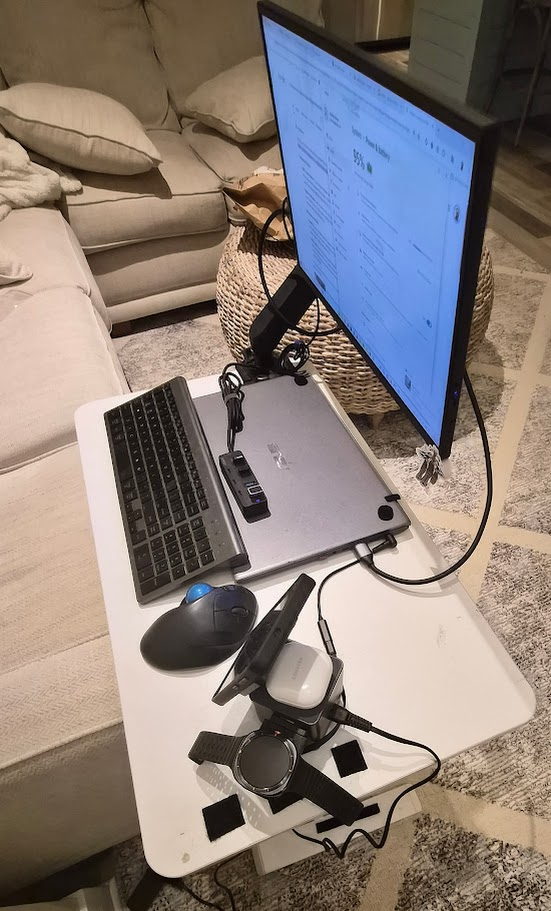
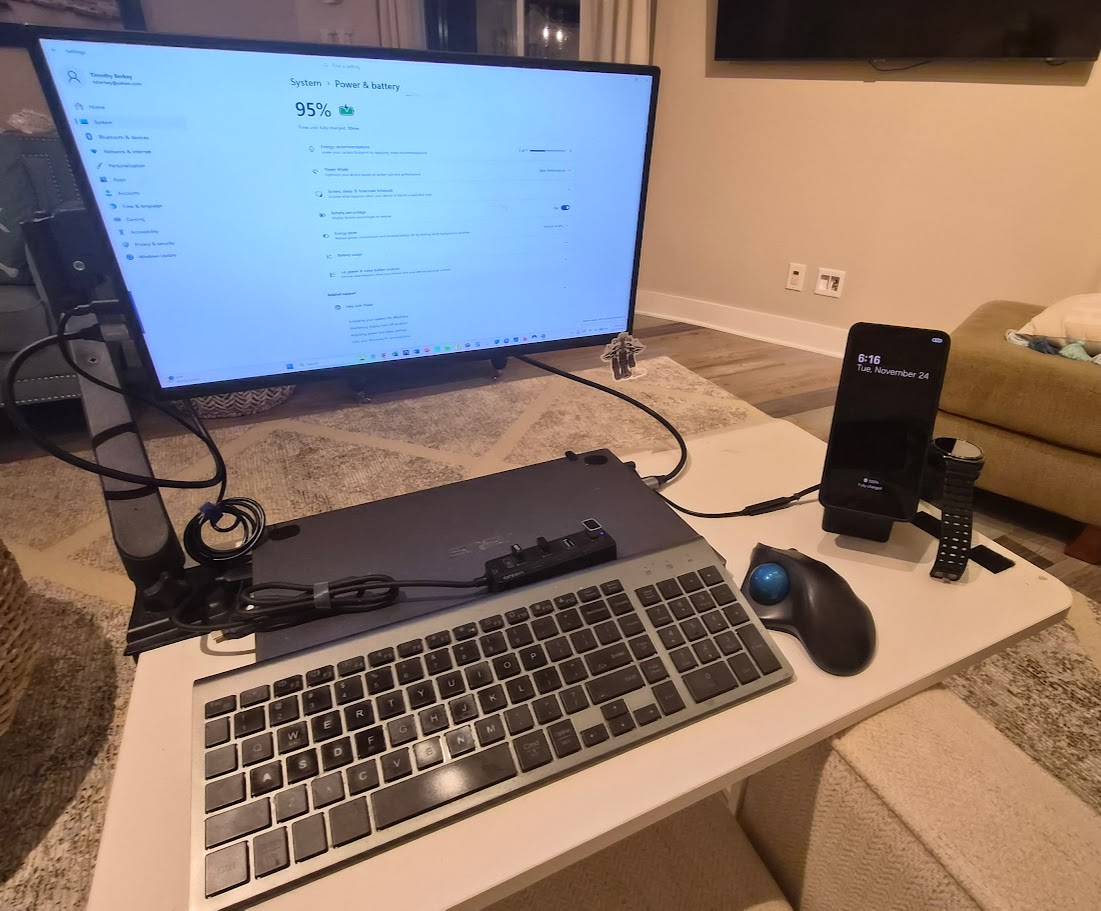
Hey y'all. first time poster, but long time lurker. (just realized I never joined the sub, but i've used it to get a lot of advice for cables and hardware here).
I've been testing out this new KVM called the iDock B30 from AV Access. I did get this for free to test out, however all of my thoughts are my own. If I don't like a thing, You'll know.
I got some good and some bad but I'll start off with my configuration first.
My config
I have a Surface Laptop Studio, a Steam Deck, and an old prebuild connected to the KVM. The KVM can run all of the things no problem. It also supports two monitors, but I only have a use for one since my main display is just ultrawide. The Steam Deck is connected directly to it, and the prebuilt is connected to it as well. The laptop is connected via my CalDigit TS4. It uses a Thunderbolt port to get the display output. I'll explain why in the bad section. The keyboard port has multiple devices hooked up to it via a dock I had lying around. Everything works pretty good.
The Good:
This is pretty cool. it can take my laptop no problem. It works great when you use it to spec. I love that I can use my keyboard to switch between devices. I also love that everything is seamless.
I have a few tricks that I've used with this. I have a Raspberry Pi that's connected to my Home Assistant that allows me to switch the KVM from one device to the other with a keyboard shortcut. The Raspberry Pi Zero 2 W is what I use, and it's connected via MQTT to the Home Assistant. This was one of those things that I thought was a pretty cool use case.
Everything works as expected, but there are some caveats. Getting into the bad now.
The Bad:
The first thing I noticed when I was trying to set up everything was that I couldn't use my full monitor's display refresh rate. That's because my monitor is limited on the HDMI port and won't go up to 180 Hz. I have the HP Omen 34c G2. There's no way for me to get the full refresh rate since I can't convert the HDMI output into display port. So I'm stuck at 100 hertz for my two monitors and 75 for my laptop. This was a huge bummer for me, but it is what it is. At least it's not 60.
I was originally going to replace this with my CalDigit TS4, but I ended up not doing that since the power delivery is well below the needed amount. It's at 67 watts and my computer needs 90 watts, so I couldn't do it. This is why I have it hooked up directly to the CalDigit. It frees up all the ports in my CalDigit, so that's nice, but I would rather just have one thing considering the cable mess that I have under my desk.
Another thing I noticed is the limitation for the keyboard port. I know it's USB 1.1, so that's probably why. But I can't use 8,000 Hz polling rate with my Hall Effect keyboard. I don't really game via keyboard, so I don't really have a gripe about that. But using 8000hz versus 1000hz is definitely a difference. First world problems I guess.
Last thoughts
Overall I think this is a really great addition to the set up, but I don't really need it. It's nice to have, but it does get me in trouble at times. The fact that I can switch over from one PC to another is super nice, but also can get me in trouble since I work from home. Gaming a click a way I guess lol. I do like how I was able to make the switch "smart" with a bit of ingenuity. If you plan on getting this specific dock, just make sure you check if your monitors can output at their full rated hz over HDMI before you get it. I made that mistake.