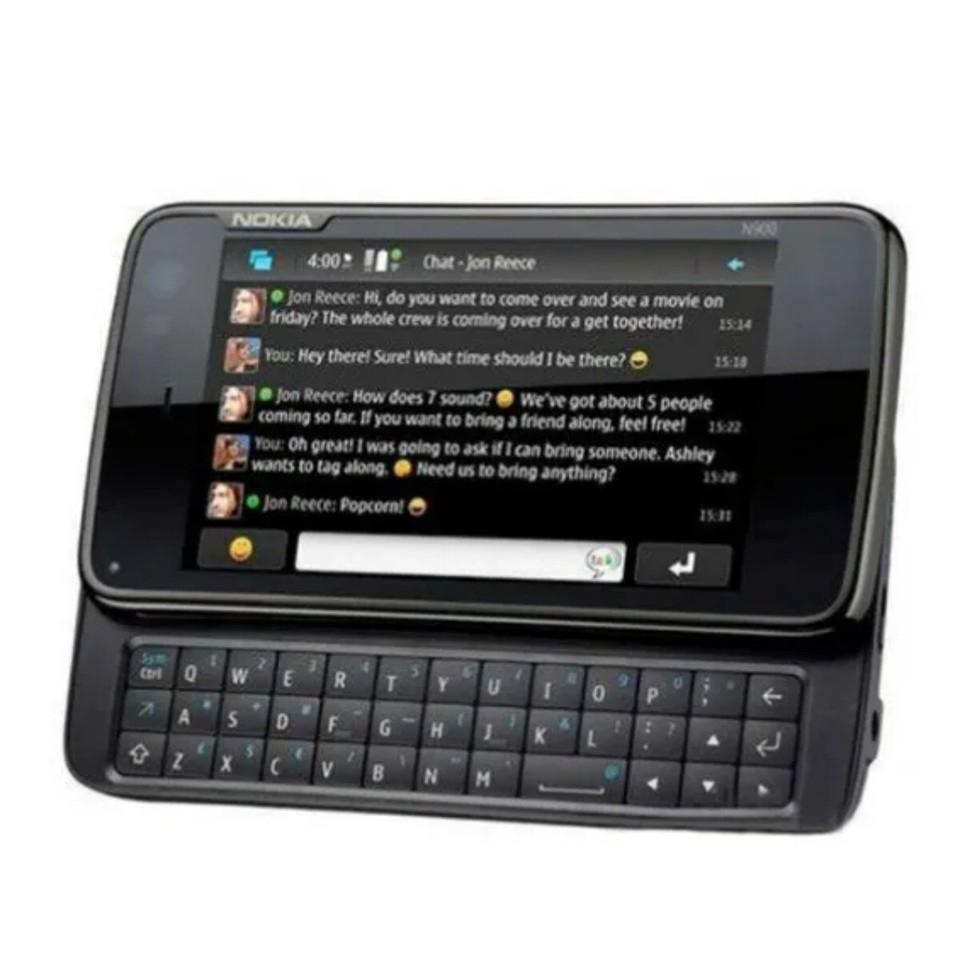
Open the N900's files from any computer in a browser: copyparty on Maemo 5 (Claude'd, local network only please)

How do you get a file onto the N900 and back? USB mass storage locks the card, Bluetooth is slow, and pulling the memory card gets old. So I ported copyparty, a Python file server (MIT, by ed), and now the phone shows its MyDocs folder in the browser of any computer on the same Wi-Fi. Claude (Anthropic's AI) did the packaging under my direction. I have tested it on a real N900, so "Claude'd".
apt-get install copyparty(brings Python 3.11), then start File server from the menu. A terminal opens and prints the address and a random password:http://<phone-ip>:3923/.- On the computer: log in, browse, download, drag files in to upload, a whole folder as one zip.
- There is also
copyparty-hildon, a small Hildon app with start/stop, the list of shared folders and the users with their passwords. - Everything is in one text file,
~/.copyparty/share.conf.
What I measured (one phone, home Wi-Fi): starts in about 3 s after the first run, uses about 30 MB of RAM (the phone has 245 MB, so close other apps), uploaded at 1.4 MB/s, and a 100 MB video played in the browser of the PC (jumping inside the video is sluggish).
Please use it only in your own local network. It speaks plain HTTP and listens on every network connection of the phone, so the password travels in clear text. At home or on your own hotspot it is fine. On a public or shared Wi-Fi, or on the internet, do not leave it running, and do not forward the port from the router. Share only the folders you need, stop it when you are done (copyparty-share stop or close the terminal window).
Not tested: USB networking, a hotspot, HTTPS, several users at once, long transfers with the screen locked. The package is not signed (neither is the repository yet).
Sources and package: https://github.com/n900-resurrection and https://n900-resurrection.github.io/packages/copyparty/.