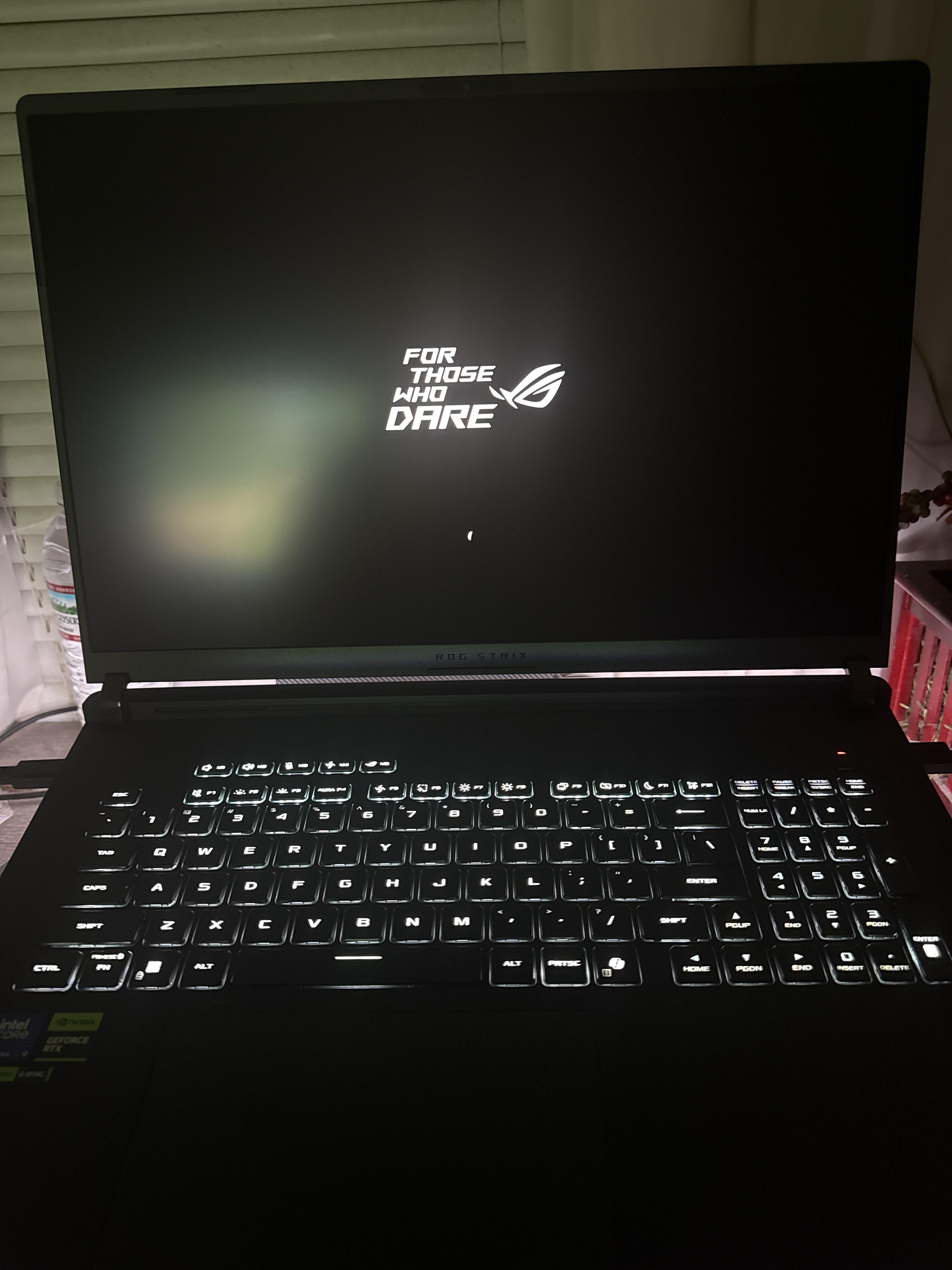
I saved up and saved up and I finally did it guys I got a Asus scar 18 ultra 9 275HX and 5090M it’s so awesome super well build I can’t believe I finally got a top of the line laptop coming from a 4050 as the best GPU I’ve had it’s insane guys I’ve gotten super fortunate with things.
I spent the past few days mapping out the full power and frequency scaling curve of the RTX 5070 Ti Laptop GPU (GB205) on Ubuntu—from 15 W all the way to 180 W—without touching the physical SPI flash chip or doing a hardware shunt mod. As you will see, the gains were far from negligible, in some workloads reaching almost 35%.
Laptop: Stock HP OMEN MAX 16
CPU: Ryzen AI 9 HX 375
GPU: RTX 5070 Ti Laptop
GPU (GB205, 5,888 CUDA cores, 12 GB GDDR7, 192-bit bus)
RAM: 32 GB 5600 MT/s
OS / Driver: Ubuntu with nvidia-open 620.70.06 kernel modules Benchmark Results
How I Did It (No Hardware Mods)
RAM-only VBIOS override: I dumped my stock ROM and edited it with Panchovix/nvidia-vbios-vix-editor, raising the board power ceiling from 140 W to 180 W and the boot default from 80 W to 120 W while leaving the factory 1025 mV voltage ceiling and 180 A NVVDD current limit completely untouched.
Zero physical flashing: I load the modified ROM into RAM at boot using Panchovix/nvidia-linux-vbios-vix-loader on nvidia-open, so the actual SPI flash chip on the motherboard stays 100% stock.
Dynamic Boost & tuning: I used amagicai/nvpowerd-boost so nvidia-powerd can request up to the 180 W ceiling instead of stopping at 140 W, plus LACT for core and VRAM offsets**.**
FurMark 2 showed the biggest uplift from the extra 40 W of power, since it was the only benchmark able to pull nearly all of it—sustaining ~175–176 W inside the new 180 W limit (capped by NVIDIA's GSP guard band and the stock 180 A NVVDD rail limit).
The OC curve was run at +450 MHz core and +3000 MHz memory, with the final 180 W record run pushed further.
Note how linearly the score increases with power. It goes to show how much the 5070 Ti Laptop is power-capped.
Geekbench 7 OpenCL:
From the very beginning, it's important to note two things. Firstly, Linux gives an edge even at purely stock settings. Secondly, to better understand the graph, you have to look at how Geekbench 7 works: it runs very short, intense workloads that let the GPU ramp down in between. Because of that, Geekbench couldn't make use of all the extra power—even though it plateaus after 215,000, that's because the GPU hits its 1025 mV voltage limit much sooner than its power limit. I haven't seen any run of this benchmark pull more than 150–155 W.
The OC curve was run at +450 MHz core and +3000 MHz memory
Blender OpenData (Cycles OptiX)
Blender shows the same profile as Geekbench. During the workloads, the GPU hits its 1025 mV cap well before the new 180 W TGP (topping out around ~150 W).
The OC curve was run at +450 MHz core and +3000 MHz memory
Takeaways:
Real-world gaming: Most standard games behave closer to Geekbench and Blender than FurMark—the 5,888-core GB205 die usually hits its voltage ceiling somewhere between 115 W and 140 W. Going past 140 W mainly pays off in heavy ray tracing / path tracing, super high resolutions, or sustained compute workloads.
Thermals & VRM safety: Die temps stayed surprisingly cool (57°C peak on the 10,779 FurMark run with fans maxed), but laptop VRMs don't have direct temperature sensors and share cooling with the CPU. I only use 180 W for short max-fan benchmark runs and keep the laptop capped around 140–145 W for daily gaming.
Why No Game Benchmarks
You might notice I didn't include any actual game benchmarks here. Since I'm running on Linux and playing games through Proton, any FPS numbers I post wouldn't really mean much to most people on Windows—between translation overhead and driver differences, comparing them to standard Windows results just isn't accurate. I stuck to native Linux benchmarks (FurMark 2, Geekbench 7, and Blender) so the power scaling stays clean and actually reflects what the GPU is doing.
Disclaimer
To be completely clear, I do not endorse doing any of this—this post is strictly to share my own test results, not a recommendation to modify your laptop. Running a laptop GPU past its factory power limit pushes the VRMs, cooling, and power delivery beyond what they were sized for, can void your warranty, and carries a real risk of permanently damaging your hardware. If you choose to mess with VBIOS overrides, power limits, or overclocking, you do so entirely at your own risk; I take zero responsibility or liability for anything that happens to your machine.
Verification of benchmarks:
Feel free to ask me any question regarding the testing or anything you would like me to try. I of course stay open to any of you sending me a 5080 or 5090 laptop to test how much more power we could get out of them !
Preferred specs: I'm new to PC so recommendations are appreciated.
I've included a few I'm looking at. If anyone has any recommendations for ones I could get at best buy that are around these price points if you don't think these are good for the price, that would also be appreciated.
I was hoping to buy a gaming laptop for Black Friday, but I guess the best deals might come about Monday (or never, because capitalism).
I think I would get this if it went lower for my low spec games, but now I'm afraid it might not drop anymore and I'm shopping around. Does anyone remember websites that do good Cyber Monday deals? Thx.
Budget: $1500 Country: USA Use Case: Mixed Preferred Specs: 32GB RAM minimum, 1TB SSD minimum, touchscreen Notes: Looking for the best deals and bang for your buck.
Budget: $1200 Country: USA Use Case: School, Gaming Preferred Specs: Enough to handle games like E33 or Red Dead 2 without dropping frames significantly Notes: I bought a TUF gaming A16 a couple of months ago and have since realized it is not for me. the touch pad sucks, its battery is shit, its fans are loud af, and it just is optimized for games I'm never going to play. It did have some very good features to it like its size, keyboard, durability, and portability.
Stuff that I'm looking for in a gaming laptop now are:
Good touchpad and preferably a touch screen
Good battery life
Able to run more demanding games with RDR2 or E33
Full sized keyboard with number keys
Around 16:10 inches
Durable, so like heavier and not made of easily breakable materials
I wanna try to buy the laptop before Black Friday sales so please help
I MAINLY WANT A GOOD LAPTOP WITH A GOOD TOUCH PAD AND A TOUCHSCREEN
Hey everyone, looking for some clarity on what's happening with my Legion 5 15AHP10.
I played Red Dead Redemption 2 on max settings for about 10 minutes (clip attached showing the overlay). My GPU usage is showing 100%, yet the temperature is only sitting around 50–60°C.
Normally, whenever I play a game and the GPU hits 100% load, the temps go up to around 75–85°C.
Has anyone else experienced GPU temps staying this low at 100% load on this model? Could it be:
A power limit or clock speed drop keeping the wattage low despite 100% utilization?
An overlay or sensor reading quirk?
Aggressive fan curves or thermal mode settings kicking in?
I’m trying to get into PC games, I have no knowledge on specs or anything like that but I do want a laptop that can run souls like games, single player and multiplayer games without breaking the bank.
Budget: $1,000-$3,000 Country: USA Use case: gaming (Elden ring, persona, DBFighters Z, UVMC3, etc) Notes: I have no idea what specs are good but all I know is I want something in a 1080p or higher display that’s also paired with strong performances
Hi, I'm thinking of buying a laptop for gaming and light but long work. In the gaming laptop deals page there are these two sales, is the 5070ti worth the extra 400 dollars?
Is there any other laptop with good quality build better than these two?
I would like to play things like elden ring or GTA VI when its released for PC, but ultra high graphics are not my priority, just good looking is enough and RAM/storage can just upgrade it latter
Use Case: school, some light gaming (mainly roblox, i fear my current pc hasn't been able to handle anything heavier)
Portability needs: needs to be able to be lugged around to and fro on a daily basis
Notes: plz be patient with me, I'm not very knowledgeable in the pc space -- i gen know nothing about specs, just explain everything like you would to a toddler
I dont need anything that's too high end or game changing, just good enough to run most games with good stability
Currently I've been looking at these two, recommended by my local best buy but most online reviews I've seen have said they aren't the best (links below)
I am looking for the best gaming laptop I can get for the budget I have available. Looking to purchase on Amazon (unfortunately that is a requirement).
Budget: $2,500 USD
Country: USA
Use Case: Looking to play games like Baldur's Gate 3 and do some video editing.
Preferred Specs / Form Factor: I'd prefer 1TB SSD (or more) and if possible a full size keyboard (numpad) would be nice.
Portability Needs: 99.9% of the time used at home, but stored in a cabinet when not in use.
Notes: I've had some good experience with my current Lenovo, but I do not know enough about brands to have a strong opinion here.
Looking to upgrade from my old G14 to a bigger screen. I use the laptop only when I travel (pilot) so lower weight would be nice but not a deciding factor. Was looking on RGL deals and saw the MSI Stealth 16 for $2600. Hearing mixed things on MSI on here though. I generally take very good care of my equipment so even if it’s slightly cheaper made it won’t be a huge deal. Budget somewhat flexible. Specs are also flexible since I don’t play any of the newer demanding games atm, but nice to be prepared for a few years to come. I see Lenovos are slightly more expensive for similar builds but that might be worth it for the quality?
i7 14700hx rtx 4060, cpu is overheating on internet (chrome) with extreme performance mode , tired of this laptop :D prob 7-8 months ago was changed cpu paste with arctic mx5 i think. Thermal pads werent change, but repairer said there is no need to change them because they were good. Gpu also was pasted with arctic mx but temps are good 69C max. Also its now with undervolt, slightly better but still.
Im not realy a Person who spents much time on Video games. Mostly only at the weekends. And also very limited to what i actually play: BG3, League/TFT, Monster Hunter World. Maybe the Steins Gate Games or Dont Starve together in the future.
I bought a PC way back at 2020, it can play all these games, it has:
But honestly my biggest struggle is, that it takes so much place and collect so much dust on my desk. Half of my desk is basicly for the Mouse, Keyboard, Desktop. Do i think wrong, that it would be so much cleaner and easier to have just a Laptop, that you unfold, place, connect to the AC and later tuck it away after a few hours? By biggest fear is probably, that the Laptops will with a few years be very slow. It will be booting way slower, operating way slower, everything will not be as fast loading as it should. Meanwhile a PC seems to outlive and not have any signs of "aging"
It's currently Black Week, so I'm looking to upgrade my laptop while there are some good deals available. Due to the nature of my work, a desktop PC isn't an option. I'm currently deciding between these two laptops:
Acer Predator Helios Neo 16
Intel Core i7-14650HX
RTX 5070 115W
16GB DDR5-5600 (+16GB RAM upgrade later, around $341)
1TB SSD ( + 1TB SSD my existing Kingston KC3000)
Total: ~$2,595
GIGABYTE AORUS ELITE 16
Intel Core Ultra 9 275HX
RTX 5070 115W
32GB DDR5-5600
2TB SSD
Price: ~$2,870
After upgrading the Acer, both laptops will end up have 32GB RAM and 2TB storage. The $275 price difference is essentially for the better CPU.
My usage is roughly 60% gaming and 40% work. For gaming, I mainly play Dota 2, Deadlock, CS2, Path of Exile 2, and newer AAA titles. For work, I mainly use simulation software, AutoCAD, PLC programming tools, and EPLAN.
Do you think it's worth spending an extra ~$275 for the better CPU, or would the Acer with the RAM and SSD upgrades be more than enough?
Looking to buy this laptop. However, I’m slightly concerned that it’s being sold through a 3rd party, and not Best Buy. Has anyone purchased from antonline, through Best Buy?
So I’m currently on the hunt for a thin, lightweight portable laptop that I can use for gaming as well as for college, with a $2500 budget. 14” screen is preferable.
When I looked at current prices, I was pretty shocked, because the last time I was in the tech space looking to buy something was when I built my PC in late 2024, and I built my PC with 32 GB ram, 2 TB SSD, 7900 xt gpu, 7600x3d cpu under a $1500 budget, so now struggling to even get a 5070 ti laptop with 32 gb ram in a 14” form factor under a $2500 budget kinda shocked me
I saw the G14 under my budget with a 5070 ti but it is only 16 gb ram so that was immediately off my list. This acer laptop I saw has a 5070 which is meh, 32 gb ram which is great, and a cpu that from what I’ve heard is super efficient but is not very good for multicore tasks. Which may be a drawback as I am an engineering major. So would this laptop be good enough for my use case or are there better options (and if so, which ones?)
I am prioritizing portability > battery life >= performance