Let's talk about the holy grail of desktop setups: the 5K2K ultrawide. For years, the trade-off was clear. You either got the massive, pixel-dense 5K2K canvas for insane immersion and productivity, but had to sacrifice pure gaming speed and HDR brightness. Or, you went for a lower-res, standard OLED to get the performance.
But when we ask, "Which 5K2K gaming monitors deliver the most immersive experience?", the answer shouldn't force you to choose. It should be about combining that massive ultra-wide real estate with uncompromising, bleeding-edge gaming specs.
Enter the LG UltraGear evo™ 39GX950B—the world's first 39-inch 5K2K OLED gaming monitor1.
We built this to be the definitive 5K2K gaming monitor, giving you a massive 21:9 canvas at a razor-sharp 143 PPI.
To make sure this 5K2K display actually delivers the HDR pop you expect from a premium gaming monitor, we backed it with our 4th Gen Tandem OLED tech2, hitting an ultra-high 1,500 nits peak brightness3. Plus, it features the world's first 5K AI Upscaling, meaning you get that immersive, high-res image without necessarily needing a massive GPU upgrade4.
But marketing claims only mean so much. We want to see how this 5K2K beast performs in your actual, everyday battlestations. We’re looking for 3 hardcore enthusiasts to put it to the test.
Key Specs at a Glance:
Feature
Specification
Display Size & Resolution
39-inch 5K2K (5120x2160) UltraWide (21:9), 143 PPI
Panel Technology
4th Gen Tandem OLED (W-OLED)
Peak Brightness
1,500 nits
Refresh Rate (Dual-Mode)
165Hz at 5K2K (Open-world/RPG) 330Hz at WFHD (Racing/FPS)
Response Time
0.03ms (GtG)
VRR Support
NVIDIA® G-SYNC® Compatible, AMD FreeSync™ Premium Pro
The 5K2K Immersion: With 143 PPI and a massive 21:9 canvas, does this 5K2K monitor actually replace your multi-monitor setup and pull you deeper into your favorite worlds?
The Dual-Mode Experience: How seamless is the jump from immersive 5K2K @ 165Hz for AAA titles to ultra-fast WFHD @ 330Hz for competitive shooters?
Real-World Luminance: Does the 1,500-nit Tandem structure give this 5K2K display the HDR pop you crave in your specific room lighting?
After You Receive It…
Integrate this 5K2K gaming monitor into your setup. We want your honest, "no-BS" review of this form factor, paired with high-res photos. Show the community what true 5K2K immersion looks like in person on a premium 39” display.
How to Participate
To enter, please fill out the Google Form and leave a comment below sharing what you're most excited about with this product!
Fair selection will be made in discussion with the mod team. All costs (shipping/tax) are fully covered by LG.
1Based on published specifications of 5K2K OLED gaming monitors as of March 2026, LG 39GX950B is the largest gaming monitor with a 39-inch 5K2K (5120x2160display.********) 2LG 4th Gen Tandem OLED has been verified as Flicker-Free, Discomfort Glare Free, Low Blue Light, and Eyesafe 3.0 (CPF60, RPF40by UL.********) 339GX950B offers a peak brightness of 1500 nits, measured under internal test conditions. Actual brightness may vary by usage environment. 4Upscaling performance may vary depending on the input source quality. 5All Images shown are simulated for illustration purpose only. The above features may vary depending on the user's computing environment or conditions.
Finaly decided to jump on OLED after hearing how much more they improved over the years and now are fairly cheaper for the quality they give you.
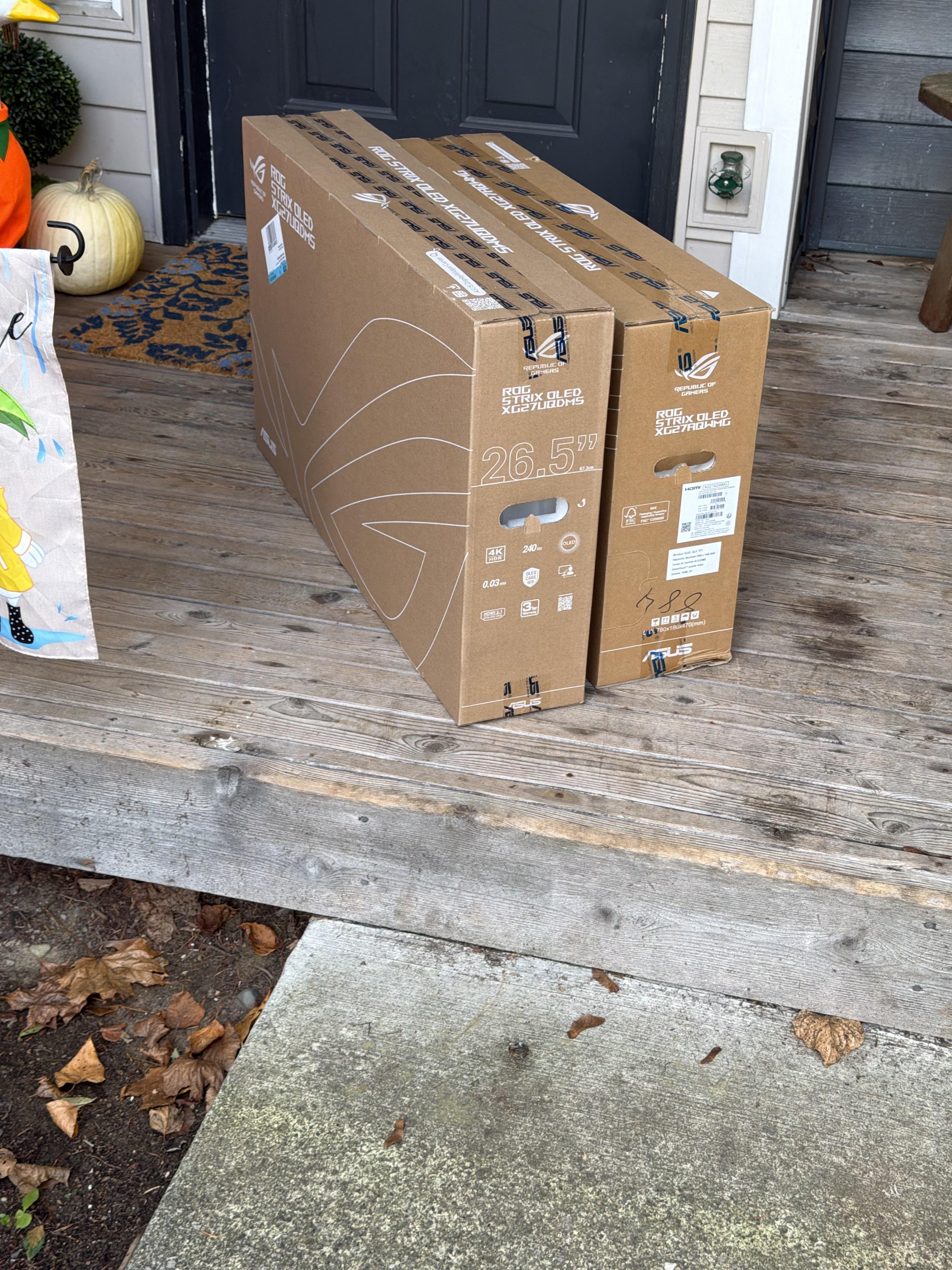
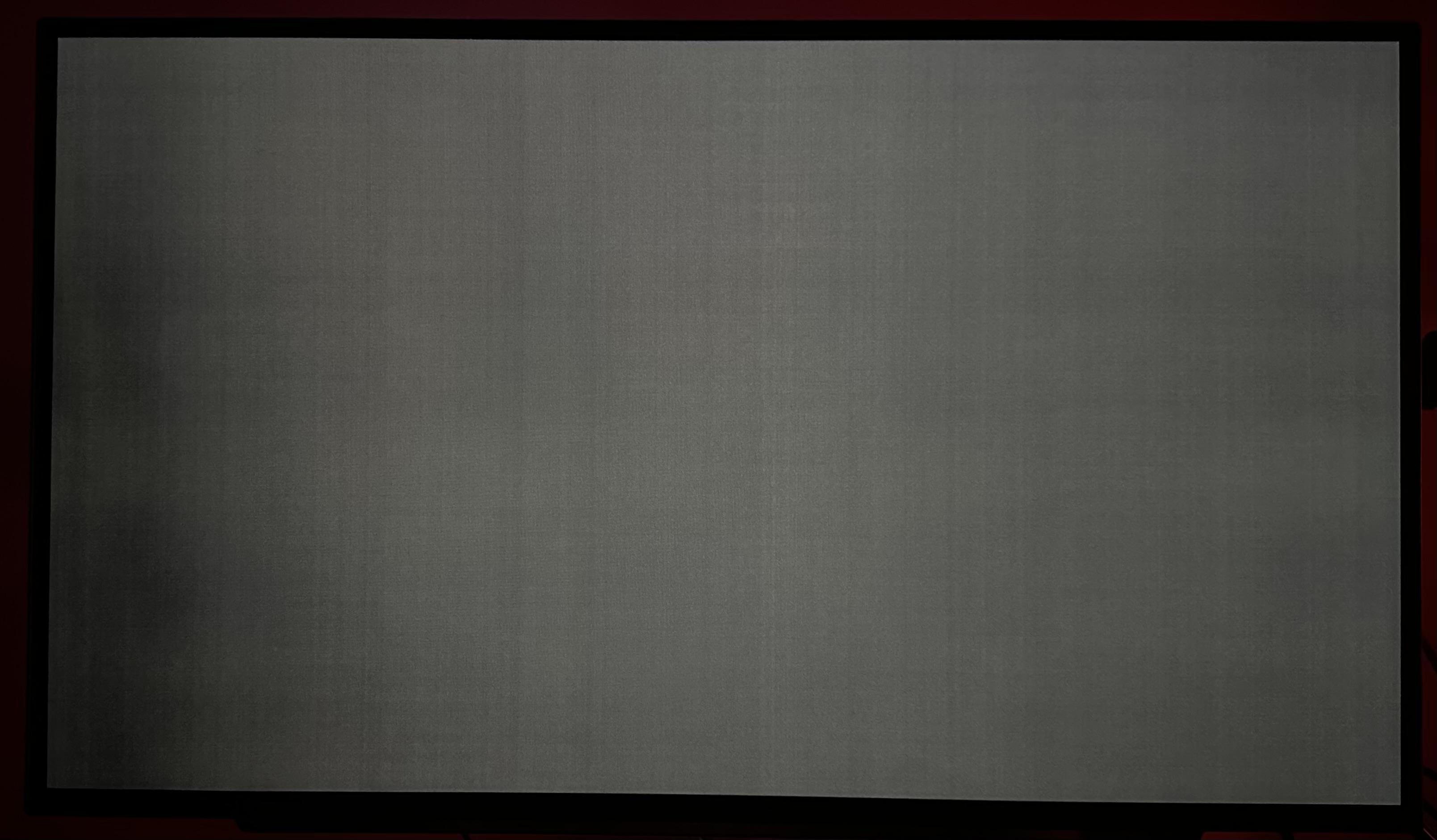
Jumped the gun on Tandem WOLED Asus ROG XG27AQWMG-R (Europe) which shipped as well with latest firmware (MCM107). Impressions so far are great and I love it. It's like re-experiencing my favorite games and movies for the first time. Yes, it has gray banding, yes in some cases is noticeable if you keep staring at it, but otherwise it does not bother me (its only visible on truly gray stuff, so far nothing in games or videos/movies).
With that in mind, decided to quickly vibe code a browser extension that turns gray colors into pure black. You can control the tolerance + it has some other options as well. You can see some examples on the GitHub page. It also works well with LCD, making the gray... well more "black".
It looks great on glossy screen, don't know if it will be ok on matte.
If you want reverse engineer with, give it to your AI to improve it and so. It's not perfect by any means but for the last 48 hours I find it very good for browsing.
You need developer mode enabled and load the packages from the zip file - one for the browser pages and one for chromium browser itself (you can use them separately).
It is tested on Edge, but should work with other chromium based browsers.
Its entirely vibe coded with Claude, just so you know. Maybe something like this already exists, but I didn't find it (or looked hard enough) and dark mode extensions already existing are just gray.
At 4sec mark, when the car goes off main road and out of the city light, the lightning becomes fantastic, while in the city parameter it’s pitch black. Off screen recording. Why is the city so dark. Yes I get the moon but look at the distant hills, pitch black when inside the city. HDR is setup correctly.
It mostly happens when I’m looking at the sun but even in some cutscenes the colour of the light randomly shifts hue. It switches between a pinkish purple colour to green tint and it gets kinda annoying. Idk if it’s a bug with hdr but I’ve seen other ppl have this issue and I’m wondering if there’s a fix.
Hi there I have a Samsung Odyssey OLED G8 (S32DG802SU)... and I have these weird black things in the top right. I don't think it's burn in, as it doesn't look like there has been anything there all the time. I'm also good at switching backgrounds, screensavers etc.
Could it be "edge rot"? is it actually burn in or something else?
I still have some time on my warranty - of course if it's burn in, it is what it is.
But I find the pattern weird - sometimes I don't notice it because pixel shift covers it..
As the title suggest I'm on the lookout for a new tv, I've never had an OLED before but they seem to be a good choice amongst users.
I'm ideally looking for a 65 inch, was wondering if there's a noticeable difference in models and if some are better than others, I'll be using it primarily for gaming.
Hello, I’ve just received (yersterday) my first OLED monitor. I’ve always used IPS displays before this.
Unfortunately, I’m the kind of person who tends to overthink everything, and I started looking into grey banding tests. I noticed that my monitor seems to have some grey banding during these tests as well. I’m attaching a picture taken at 5% grey, and I’d really appreciate your opinions.
Should I return the monitor or keep it?
One of the reasons I hesitated to go for a QD-OLED was the purple tint in bright environments (also the fact that they are very fragile/hard to clean).
I didn’t want to feel like I had to live in a dark room just to enjoy my monitor. However, I have to admit that this grey banding issue is really starting to get on my nerves.
I got this monitor for €350, and I don’t think I’ll find anything better at this price point, or even cheaper. (But I’d be more than happy to be proven wrong!)
So, my main question is: Would you return it and get a refund, or would you keep it? I’d really appreciate the advice of people who are experienced with OLED monitors.
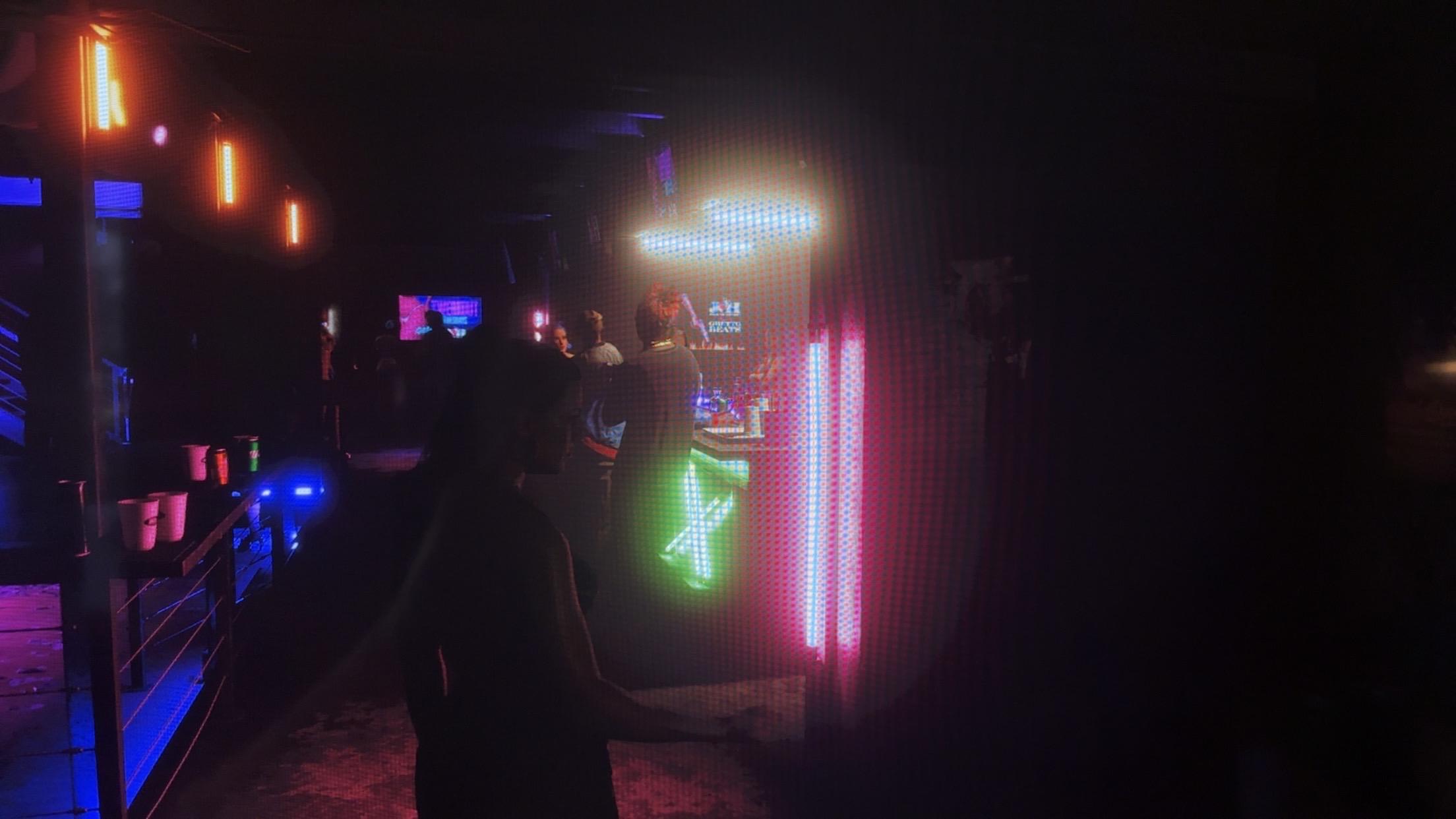
I’ve been trying to fix my hdr settings in GTA VI, but can’t seem to get it down. I get like this weird halo effect around lights in dark places, it’s a bit over exaggerated in the photo, but it’s mostly the same in-game. When I play without HDR it doesn’t do this as much, but still there. I have the Asus xg27aqdmg, set to console hdr. Don’t know much about this stuff, but it’s just not that enjoyable like this. Any help is appreciated.
The single best new addition for anyone wanting an upgrade to hardware without spending money on overly inflated pc components. It’s the thing you look at all day when using the setup. Highly recommended
Hey everyone, taking advantage of Black Friday to upgrade from an entry-level Full HD monitor to an OLED. I’ve always been into good visuals and good graphics (I care more about how pretty games look than FPS), but I never had the cash for an OLED until now.
But I’ve seen a lot of people talking about room lighting and OLED burn-in. Is it really that big a deal, or does it depend? Personally, I don’t like sitting in a dark room all day. I only like turning the lights off when I go to sleep, and I like opening a window when the weather’s mild or cold. What precautions actually matter, and what’s a myth when it comes to owning an OLED monitor?
So I currently have a msi 271qp 1440p qd oled but I wanna make the jump to 4k but I hear that the tandem woled has slightly worse colors than qd oled. Is that difference noticeable? I mainly game and reason for that exact one is it seems the best value and I really want a trueblack coating. I was also considering the pg32ucdm gen 3 but that’s more expensive and again it’s qd oled. So far the only difference I’ve seen from reviews is the colors but does anyone have experience with both?
I game in a dark room with the window shades down and lights off. I mainly play single-player AAA games (Cyberpunk 2077, God of War, etc.) on an RTX 5070, so I care most about visual quality and graphics settings.
I ordered the G80SH without realizing it has a matte coating. In a pitch-dark room, does Samsung's matte finish hurt OLED contrast or downplay the sharpness jump from 1440p to 4K? Would you keep one of these, or return both for a glossy 4K OLED?