Currently on version [3.8.16] - 20260716.1 and I cannot update my steam deck to version [3.9.5] - 20261023.100
Every time I try to update from gaming mode, I get "Update Error: An error was encountered during the update process, please try again"
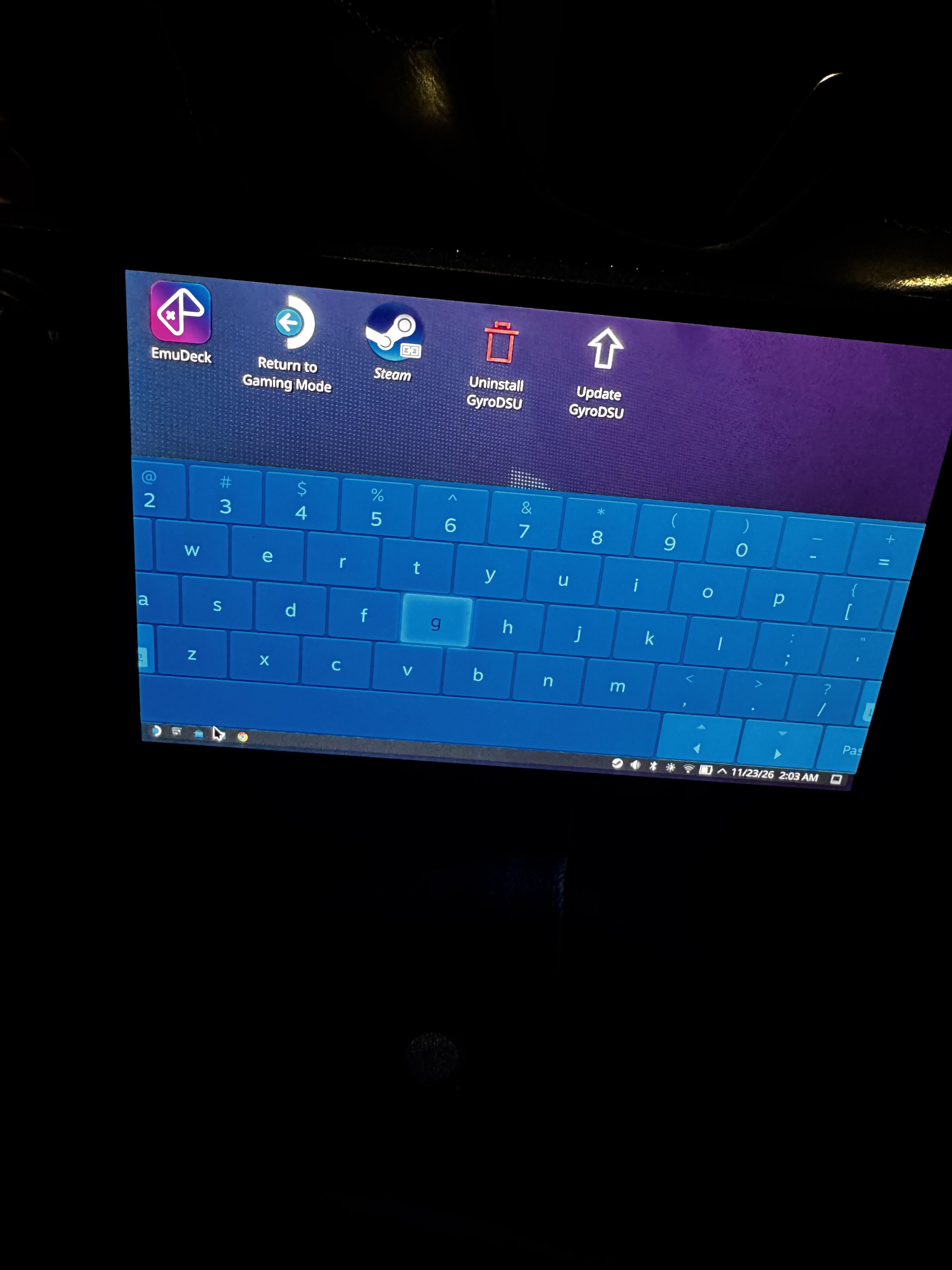
In the discover app in Desktop mode, I can see the update and when I try to update, it appear to go through... but when I click refresh it shows up again.
And even restarting the Steam Deck, the update has still not gone through.
Also every time I restart the Steam Deck or turn it on, the time zone resets to Pacific Standard Time, as well as all other settings default to American English (I am on British English).
The only way for me to change back to my time zone is in Desktop mode, as when I try to change it from gaming mode it will not apply.
As well as every time I restart the Steam Deck or turn it on, it disconnects me from the Wi-Fi and makes me forget all networks. The only way for me to connect to the internet is through Desktop mode, as ever time I try to connect from gaming mode it just says "Failed to connect to the internet."
The Steam Deck says I have 111.3 GB free in my Internal Drive.
I have disabled Wi-Fi Power Management, and still having trouble with the Wi-Fi.
I have tried to revert back to an earlier Steam Deck version, but have had no success in downloading the earlier version.
One of the only things I haven't tried is to factory reset it...