r/wacom • • 2d ago

Wacom Going Private: The Buyout [SevenPens]

Thumbnail
youtu.be
9 Upvotes

r/wacom • • 1d ago

Thanksgiving Tablet Buying Advice Office Hours [SevenPens]

Thumbnail
youtube.com
1 Upvotes

r/wacom • • 3h ago

Problem Now that the MovinkPad 11 finally got an Android update, make it compatible with the Art Pen 2.

3 Upvotes

The Cintiq 16 uses the same single layer digitizer as the Movinkpad 11, so it WILL work. They are purposefully limiting it to protect margins on MovinkPad Pro 14. This trashy business practice. Because Wacom holds the core patents on battery-free EMR barrel rotation, they have an effective monopoly on it outside of the Apple Pencil Pro.


r/wacom • • 2h ago

Question Wacom recommendations?

2 Upvotes

Im sure this subreddit gets a lot of these posts but for the longest time I was a phone or mouse drawing. I got a picasso tab that worked like crap. Looking into brands( including wacom) . I heard wacom offered tablets that were basically just extra touch screens for computers. I figured those would be less expensive but assuming (by the price ,800+) most seem to be stand alone. Id preferably like to find one under 300 . Maybe that's unreasonable, I'm not expecting well educated on prices of electronics.


r/wacom • • 5m ago

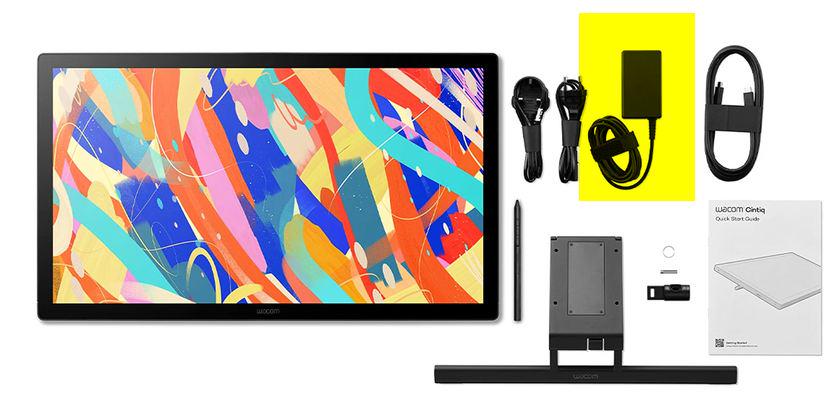
For Sale Selling: 2025 Cintiq 24 Touch

Thumbnail ebay.io
1 Upvotes

Just wanna get it passed forward I never use it.


r/wacom • • 9h ago

Question How often do you find yourself replacing the texture sheet?

4 Upvotes

Title. How often do you draw, how hard do you draw, and how often do you replace your texture sheets?

Just bought a Wacom intuos pro and am figuring out how much texture sheets to ask for Christmas.


r/wacom • • 10h ago

Purchase Advice Would now be a good time to buy myself a new intous? I just heard about wacom being bought out and I'm scared for the future and I really want to upgrade

4 Upvotes

I currently have a 2017 wacom intuos large, and there's features on it I don't use like the buttons or the touch features, and honestly it's kinda annoying because I keep accidentally touching them and activating them. I have disabled them but the menu that pops up still annoys me, plus sometimes the touch will turn on by itself and mess with my pc, so I've been wanting to get the newest intuos so I won't have to deal with that anymore, and I've been waiting for the right time to upgrade, and I think now that wacom is getting bought out I'm considering going through with it and getting a new one and selling my old one maybe. What do you guys think? Is it a bad idea? I want to get the large model so it's a big investment for me


r/wacom • • 15h ago

Testimony The pathetic movinkpad pro 14 "case"

Post image
8 Upvotes

Had the 11 case and just expect the 14 to be the same, bought it without watching review. Got it, disappointed.

What's even worse? Almost a month it just detached itself from the magnetic part because god forbid you to hold the tablet with the sleeve dangling

Seriously Wacom?


r/wacom • • 16h ago

Question How long is the Powerbrick cable of the Cintiq 24 (2025)?

Post image
9 Upvotes

I cant find any info on the powerbrick cable length. I just know the socket cable is 1 meter.

Can anyone with this model help me out?


r/wacom • • 12h ago

Problem Any ideas - Broken Touch toggle slider (Intuos Pro M)

1 Upvotes

The Touch on/off toggle slider on my Intuos Pro M is broken. The Tablet is stuck in touch off mode and I can't see anyway of toggling it back on by shortcutting the toggle to a function key. Has anyone dealt with anything similar?


r/wacom • • 20h ago

Problem Wacom one pen works, displaying doesn't.

2 Upvotes

So ignore the mess of my desk , middle of cleaning. I am having some trouble.

My computer recognizes my tablet as a monitor. I have unplugged HDMI and USC several times. Reinstalled drivers. My wacom one tablet recognizes the pen but not displaying.

Please help. I'm about to rip my hair out. I have windows 11 up to date.


r/wacom • • 18h ago

Problem One by Wacom soft problem

1 Upvotes

I have one by Wacom on windows 11 seems like my Wacom soft doesn’t work correctly, like right now my stylus binds don’t work or any changes in binds don’t apply.


r/wacom • • 1d ago

Testimony I just want to share the illustration I did for my OC's.

Thumbnail
gallery
89 Upvotes

I just bought my brand new Wacom Cintiq 16", and this is my first drawing on it. It feels so smooth to draw on this Cintiq, which is why I'm really satisfied with my purchase❤️


r/wacom • • 20h ago

Problem NightmareNightmareNightmareNightmareNightmare

0 Upvotes

How do i get rid of this stupid white circle

i've tried the pen and touch thing multiple times


r/wacom • • 1d ago

Purchase Advice How important is 4k for a 24" drawing tablet?

Thumbnail reddit.com
2 Upvotes

r/wacom • • 1d ago

Question Does pan scroll works on the Wacom Intuos Pro pht660?

1 Upvotes

I'm thinking about buying one second hand mainly for premiere and excalidraw but I'm unsure if pan scroll works on it (couldn't find anything confirming it online). Can it? What are the alternatives?


r/wacom • • 1d ago

Question Trying to find out what standalone tablet would work for me

2 Upvotes

Quickly stating that the last time i owned a wacom was in 2016ish, I never had any problems with the two different types that I owned, but I am not knowledgeable anymore on what current tablets are good

I’m thinking about getting a standalone drawing tablet, I have used many different devices to draw on and I have a general basis of what i’m looking for, And really quickly the previous brands i’ve used is A Huion Kanvas (Which was okay to use on my pc aside from the million errors it managed to cause, but it refuses to work with my current laptop, i think maybe its just too powerful for my laptop?) And I have used a wacom intuos pro(old i know.) And a random branded screenless one, I don’t think i have a preference for the brand? I really just want one that would work best for me.

Krita definitely, it’s my main software i like to use which is why I don’t exactly want an ipad.

I have used both screenless and screentablets, I don’t mind screenless because they have a nice texture when drawing with them, same goes for screentablets, However I don’t like to use them much because my gripes are, neither are touchscreen, which slows down my workflow, and the fact that they need to be connected to a pc, I don’t like that because I am often bedbound and it’s not exactly great to have to be sitting hunched to either see my screened one, or just having to sit to use the one without a screen.

I don’t want to go for an ipad because my main gripe is the screen, since it’s glass it’s too slick for me, and I could get a paper screen protector etc etc but my current ipad is old and a piece of rubbish, and the idea of getting a new one sucks because i generally just do not enjoy ios as a whole.

I’m not sure what standalone would be best for me, just something that has the touchscreen quality like an ipad, but without the slick screen, I do assume that standalones do not have hotkey buttons which. Saddens me but I doubt i would need them much since it would be touchscreen.

I’m not sure if standalones have this, but my favorite feature of the tablet pens that i use, its the two hotkeys on it, since i bind them to the brush and pop up pallete on Krita. (I also used to love the pens that would change to the eraser when you used the bottom end on the tablet but I reaaallly dont think they do that)

I will say I don’t want to be buying one insanely expensive, like above £800 or something, I’ve heard there is windows standalone tablets and android ones, Is there a difference? I would mainly use a tablet for, drawing(duh) perhaps playing music off of it, and maybe the ability to have discord on it?(I use discord to store my art on my alt account and to transfer it onto devices lol)

I want to make a good decision because It would be a great way for me to increase my workflow on days that I can’t get out of bed, and my ipad isn’t cutting it anymore mainly just because of the slick screen and how slow it is and the fact that krita is not available for it

I hope this is enough information for what i’m really looking for, if you need more questions answered ill answer them, i would just appreciate an input from people to choose which would be the best for me since i’ve never had a standalone, or even have any knowledge in it.


r/wacom • • 1d ago

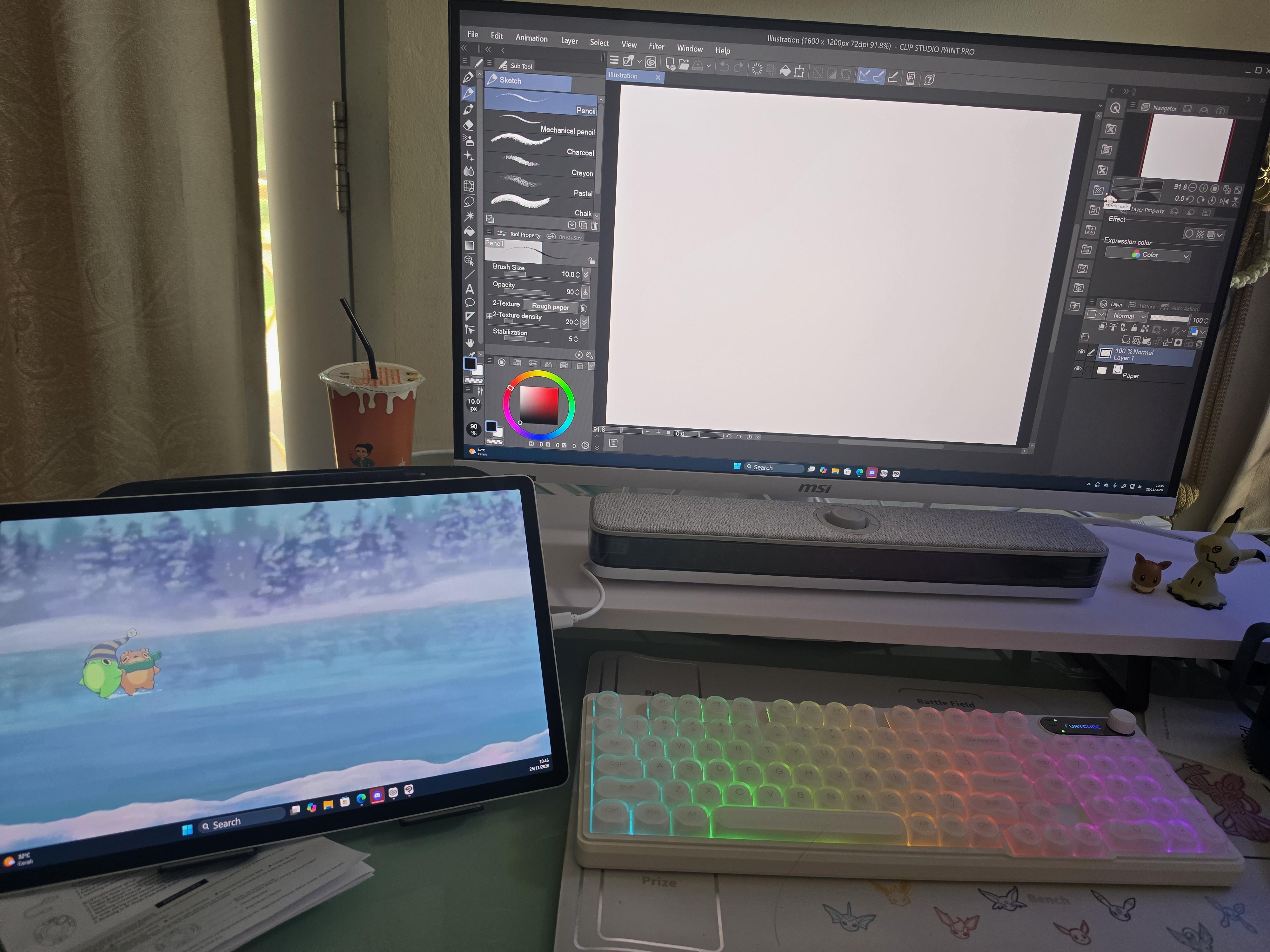
Problem Why my wacom movinkpad acts as a second monitor rather than a display tablet?

Post image
10 Upvotes

This is probably very trivial but i can't find a way to change it and i've been looking everywhere


r/wacom • • 2d ago

Question Since Wacom is being sold, what'll happen to their products?

37 Upvotes

I've been saving up for months specifically so I can buy a Wacom tablet....and now this is happening. So will their products still be there after being sold? If not, I'll have to buy the Wacom device I've been eyeing for as soon as possible. But I'm not even totally sure it'll be a good idea to buy a Wacom product anymore.


r/wacom • • 2d ago

Solved WARNING: If you own and use the Wacom Mobile Studio Pro, don't update your Wacom Center if you plan to use it as a companion device

15 Upvotes

I might be late on this one, but I'm just letting the limited number of Mobile Studio Pro owners who might be on Windows 11, do NOT update your wacom center. I know I'm a month late, but I updated mine, without thinking about it, and it tells me "sorry we don't support your device anymore" which I firmly believe is bullshit.

This thing isn't even 10 years old, and Wacom still doesn't have a proper replacement for this device (that runs Windows specifically). Until the devices fully break, I see no reason why Wacom shouldn't continue supporting this device. But whatever.

Anyway, that's my PSA. Good luck out there fellow artists!


r/wacom • • 1d ago

Problem Any ideas - Broken Touch toggle slider (Intuos Pro M)

1 Upvotes

The Touch on/off toggle slider on my Intuos Pro M is broken. The Tablet is stuck in touch off mode and I can't see anyway of toggling it back on by shortcutting the toggle to a function key. Has anyone dealt with anything similar?


r/wacom • • 2d ago

Testimony Slowly scratching away at the gunky melted plastic on my 8 year old Cintiq

Thumbnail
gallery
30 Upvotes

Classic Animation student morning class crackhead activities


r/wacom • • 1d ago

Problem My Wacom Pen No Longer Uses Light Pen Pressure!!!! (Intuos Pro M [PTH-660]

2 Upvotes

This is on a Windows 11 and on the most recent driver (October 2026) and the tablet itself is a Intuos Pro M (2017) and the pen itself is a Pro Pen 2.

As of late, this month specifically (late), my pen has begun to have a issue in how it no longer utilises light pen pressure. The only way it draws properly is if I apply more pen pressure to it. I've fiddled with the settings, reinstalled and uninstalled and updated my computer, even going back to older drivers.. Sometimes, I don't know how, but it is fixed for a day or so, but then goes back to having the issue randomly!! I've changed nibs, tried to clean the inside by putting the nib in and out... but the issue is beginning to annoy me because I have no clue how to fix it!!

I would prefer to draw lightly (it being able to be detected) without having to put the hulk's strength into drawing for my nib, pen and tablet's longevity... does anyone have any ideas? Please help!! Thank you so much.


r/wacom • • 2d ago

Problem Does this mean my Wacom Cintiq Pro 16, is now completely dead (I bought it in 2022)?

Thumbnail
gallery
9 Upvotes

It went from this static screen to now not being able to be detected on my computer, the device won’t turn on/the screen is black and there is no light near the power button. The power brick light is on. The cords don’t seem to be the issue since I had them all changed to new cables. I’ve accidentally hit my tablet before, but I’ve never droped it. Besides now that Wacom has been bought out by private-equity, that is usually a death sentence for quality for customers, sacrificed for shareholder and corporate profit. What can I do?