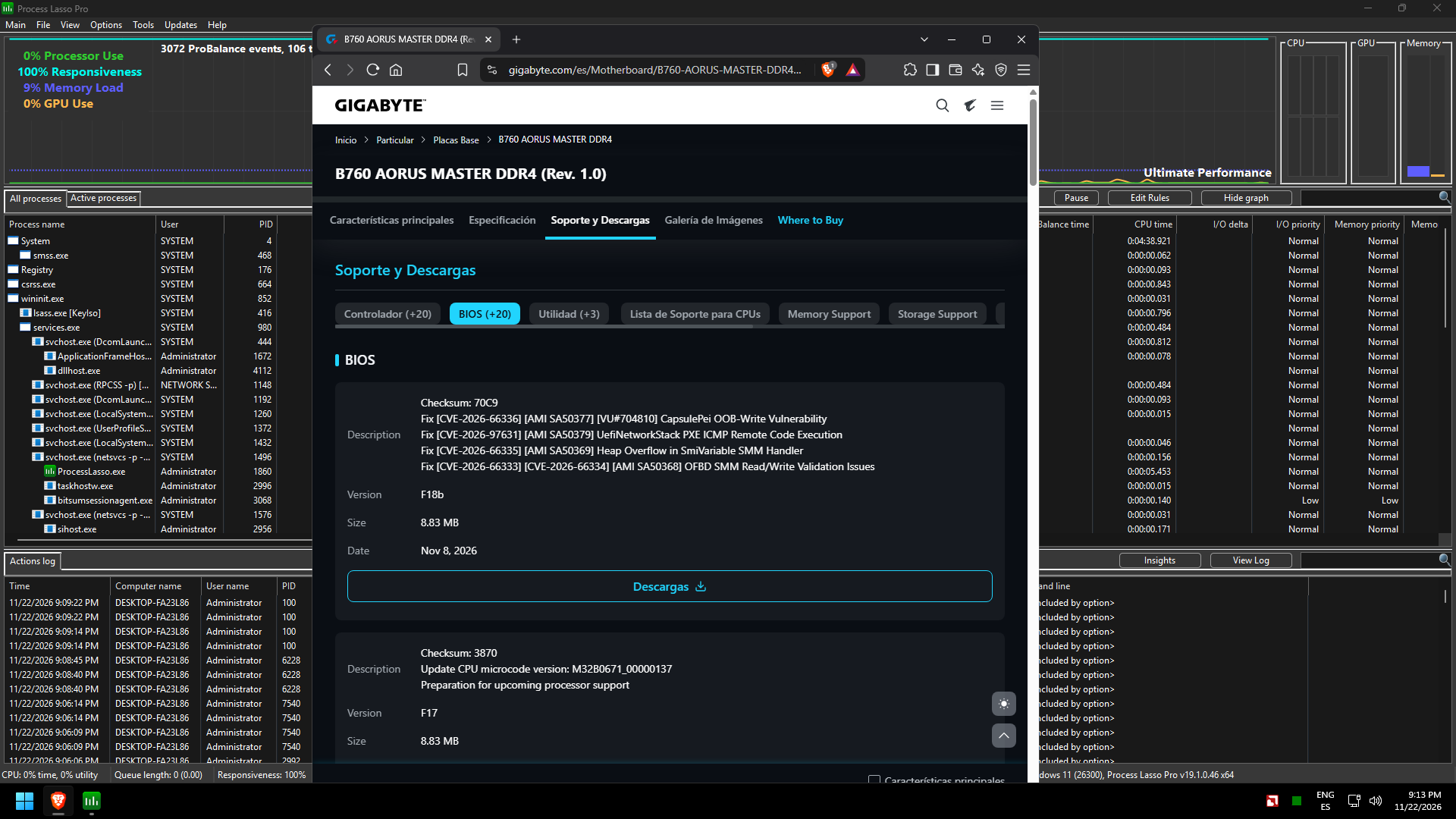
There's currently a GIGABYTE promotion that gives you a pretty nice bonus for choosing a qualifying GIGABYTE Intel Z890 or B860 motherboard.
Buy an eligible motherboard from Amazon.com during the promotional period and you can claim one free AAA PC game through the Intel Software Advantage Program.
And you get to choose your game:
Dying Light: The Beast
HITMAN 3
Sid Meier's Civilization VII
So the question is:
Which one are you picking?
The motherboard side of the deal covers all GIGABYTE Z890 and B860 motherboards, giving builders plenty of options depending on how they're putting their system together.
GIGABYTE's Z890 and B860 boards are built around Intel Core Ultra desktop processors and include features aimed at both gaming and enthusiast builds, including:
DDR5 memory support
PCIe 5.0 for graphics and NVMe storage
Advanced thermal designs
Premium power delivery
Wi-Fi 7 and 2.5GbE on select models
EZ-Latch features designed to make DIY installation easier
The promotion runs July 1 through December 31, 2026, so there's still plenty of time for anyone planning a new build.
The redemption process is:
1. Purchase an eligible GIGABYTE Z890 or B860 motherboard from Amazon.com.
2. Obtain your Intel Master Key.
3. Sign in or create an Intel Digital Hub account and redeem the key.
The new GIGABYTE GO27Q24G is now available in North America, bringing next-generation OLED performance to competitive gamers who demand both speed and immersion.
Built around a 27” QHD 240Hz 3.5 Gen Glossy WOLED panel, GO27Q24G combines elite responsiveness with upgraded HDR brightness, enhanced motion clarity, and a completely redesigned borderless form factor engineered for focus.
Borderless Competitive Immersion
GO27Q24G introduces an exclusive 4-sided borderless OLED design that minimizes distractions and maximizes screen immersion. Combined with an ultra-thin 2mm metal base, the monitor delivers a cleaner desktop footprint while maintaining stability for competitive setups.
Display Specs:
27-inch QHD (2560x1440)
240Hz refresh rate
3.5 Gen Glossy WOLED panel with MLA+
0.03ms GTG response time
99% DCI-P3 color coverage
Delta E <2 factory calibration
RealBlack Glossy coating with 1.1% ultra-low reflection
The result is a display that balances esports responsiveness with cinematic OLED image quality.
Brilliance Without Compromise
GO27Q24G upgrades to 3.5 Gen Glossy WOLED with MLA+ technology, enabling:
HDR Peak brightness up to 1300 nits
1,500,000:1 contrast ratio
Improved highlight detail and HDR depth
Deeper blacks with enhanced perceived brightness
New HyperNits technology intelligently reshapes the EOTF brightness curve to improve luminance perception by up to 30% while preserving detail accuracy — helping solve the dim HDR limitations commonly associated with OLED gaming displays.
Engineered for Tactical Precision
GO27Q24G was designed specifically for fast-paced FPS gameplay and competitive responsiveness.
Gaming Features Include:
Ultra Clear motion technology for reduced motion blur
VRR Anti-Flicker optimization
Tactical Switch 2.0 for instant resolution switching
AI Picture Mode for automatic SDR enhancement
Adaptive sync support for smoother gameplay
Together, these features help maintain image clarity during rapid movement while reducing distractions caused by flicker or motion smearing.
Smart OLED Protection + 3-Year Warranty
To address long-term OLED reliability, GO27Q24G integrates:
AI OLED Care monitoring
Automatic pixel cleaning
Custom thermal solution with heatsink
APL Stabilizer
Fanless cooling design
Every GO27Q24G is backed by a 3-year warranty including burn-in protection, providing long-term confidence for daily gaming use.
My Laptop was running fine until it just turned off. It now wont turn on, but will only flash the rgb keys momentarily before turning off. No sign of life from the monitor. The light by the charger flashes while it's attempting to turn on. I've tried unplugging batt and CMOS and discharging and retrying to no avail. It will flash its keyboard and charging light without the battery plugged in while plugged in so I assume its not the power brick. Could the CMOS have gone bad? Any advice on the matter is much appreciated!
My Gigabyte M27Q X (manufactured August 2024) recently started showing persistent horizontal flickering lines along the bottom edge of the screen. From searching this sub, it looks like a pretty common panel/T-Con issue with this model, so I already opened a support ticket with Gigabyte.
Just to rule out any remaining edge cases before sending it in, here are my specs and everything I’ve already tested:
PC Specs:
Monitor: Gigabyte M27Q X (2560x1440 @ 240Hz)
GPU: NVIDIA GeForce RTX 4060 Ti (8 GB)
CPU: AMD Ryzen 7 5800X
Motherboard: MSI X670E Gaming Plus WIFI
RAM: 32 GB
OS: Windows 11
Troubleshooting already done:
Swapped DisplayPort cables and tested different ports on the RTX 4060 Ti.
Tested 60 Hz, 144 Hz, and 240 Hz, custom timings (CVT reduced blanking), and forced 8 bpc / RGB output.
Disabled HDR and FreeSync / Adaptive Sync.
Clean GPU driver reinstall, disabled hardware acceleration, and tested disabling Windows MPO via the Registry.
Cross-checked with a secondary monitor on the exact same PC and cables — the secondary monitor works completely fine, while the flickering stays on the M27Q X regardless of primary/secondary display order.
Since I don't have the purchase receipt on hand right now, I asked Gigabyte to process the warranty based on the manufacturing date (August 2024).
Has anyone here (especially in Germany / EU) gone through Gigabyte's RMA process for the M27Q X without a receipt, and how smooth was it?
I have submitted and RMA request I was told that I will get a replacement for my G24F2 monitor but it has been 2 weeks since I have received the cardboard box to pack my monitor in and they have not reverted back to me since I have tried contacting their support number and the service person said she will inform them I have also mailed about it on their service email - service.india@gigabyte.in
How long can I expect for them to respond and does an RMA request expire? Are they doing this to prolong and postpone my request so my warranty runs out?
build has been opperation for over a year now but suddenly this issue has started,
POST flashes the sequence in title than all mobo lights go out as well as fans turning off, case lights and gpu lights stay on, monitors turn on but than say they dont read a signal and go back to sleep, keyboard and mouse led's do not power on
ive reseated my ram in every configuration, reset cmos, took out the gpu to try putting from the cpus integrated graphics and the same issue has persisted
Im trying to enable secure boot but everytime I try to open uefi I get stuck on the AMI screen. it tells me to press del but it doesn't do anything. Any way I can fix this?
I have a GIGABYTE Radeon RX 9070 XT Gaming OC 16GB with GCC 26.10.21.01 and GBT_VGA 26.11.12.01.
I discovered a strange issue with GIGABYTE Control Center (GCC) and AMD Adrenalin.
Here's the exact sequence:
AMD Adrenalin is set to Default, with automatic Radeon graphics card fan management.
I open GIGABYTE Control Center and simply switch from the motherboard view to the Radeon graphics card Fan Control page.
Without changing anything or clicking Apply, AMD Adrenalin automatically switches from Default to Custom.
The Custom profile activates a very aggressive fan curve that I NEVER configured myself, reaching 100% fan speed around 70°C.
While playing Warzone, I've recorded Radeon graphics card fan speeds up to 4,359 RPM, making my PC extremely loud.
I've reproduced this behavior multiple times. Switching AMD Adrenalin back to Default restores the automatic settings, but simply opening the Radeon graphics card page in GCC triggers Custom again.
Has anyone experienced this? Why does GCC automatically override AMD Adrenalin's Default fan settings?
What did you do to fix it? Did you uninstall GBT_VGA, disable GCC, or find another solution that preserves RGB lighting and motherboard fan control?
I'd really appreciate hearing what worked for you!
I have a B550M DS3H AC (Rev. 1.5) I have checked on the motherboard In bios i have Version F1 so i download the file mb_bios_b550m-ds3h-v1.5_f1.zip onto a fatman32 usb. When i try to flash the file i get hit with an error message that says ''BIOS ID CHECK ERROR'' Please help me
I've seen others have this issue but can't seem to find a solid solution! Please if anyone can help in simple terms (I'm a dummy)
RGB is on on the ram sticks and peripherals. PC is otherwise completely fine, no issues other than RGB that I can see. RGB Just not working on Fans (Lian LI).
- B650 AORUS Elite Ax Ice
- AMD Ryzen 7 7800X3D 8 Core
- Power supply = Corsair CX600 ATX / EPS 8- Plus Bronze Power Supply Unit 600w
- Corsair Vengeance Pro SL
- Thermalright Forzen Nott ARGB 72.37 CFM Liquid CPU Cooler
- Windows 11
BIOS Version - F39, 15/01/2026
BIOS mode UEFI
Tbh this began months, maybe even a year ago. RGB stopped working one day, was okay for the next few days then stopped again. Repeated a few times until eventually it just stopped. I tried finding solutions back then but gave up after not finding any solid causes and I kinda hoped it would be fixed.
Please has anyone came across this before and found a solution? I'm honestly really frustrated
I have a Gigabyte GS27FA connected to my rx 6600 gpu. The screen started going black for some reason, it went black and went back on, went back n forth for a few more time than showed 'OUT OF RANGE'. I have using this monitor for more than a year and haven't seen this issue before. I just did a little google and it said my gpus outputting graphic with higher refresh than what my monitor can handle?? So temporarily i lowered my refresh rate to 60hz in windows settings, and that seem to have solved it. But my games look horrible now. When i try to increase the refresh rate it goes back to black screen on and off shit. Can someone tell me whats wrong? or has the monitor gone faulty?
The 1st photo is a screenshot of this purple squares photo from my phone.
The 2nd is the same photo displayed on my laptop.
Does this specific laptop screen do a terrible job at displaying purple or is it just me? I didn't find anybody talking about this online. I noticed it when I opened Geometry Dash and my icon set looked completely different than on my phone. I want to know whether I can do something about this or if the screen simply can't display these colors correctly.
My laptop was working perfectly fine yesterday and today I’ve went to start it up and the battery light is on but I can’t seem to get it started. Anyone with a similar issue? It is only 15 months old and I have been into the shop and my warranty has ran out by 2 months
System type 64-bit operating system, x64-based processor
Pen and touch No pen or touch input is available for this display
Edition Windows 11 Home
Version 26H2
Installed on 11/20/2026
OS build 26300.10075
Experience Windows Feature Experience Pack 1000.26100.505.0
So I noticed these issues around 7 days ago. I do schoolwork and play Guild Wars 2 on this, and maybe whatever I find on Steam. It was working fine. The fans are a little loud, but I haven't had many issues with this computer.
Seemingly, it's gotten; the screen dims. There are afterimages. I am typing this out, and it keeps going between the two moments. I don't know what happened. The only thing that has changed is that my computer updated. It did crash once; the fan got consistantly loud, and it restarted, but I haven't had that issue again. I really have no idea what is causing this. I tried many fixes, except hooking the HDMI up to another screen to see if it's hardware or software (I'll test that later). I am probably going to take it to a shop and see if it can be fixed cheaply (hopefully). I can deal with this for now, but I have finals soon, and I kinda need this to not get worse. Any advice or hot fixes you have, I will gladly accept. I have tried uninstalling graphics stuff. Changing settings, etc. If you have anything or at least an idea of a reason, I would gladly appreciate it.
Comprei essa placa-mãe recentemente, de segunda mão, mas notei que o LED dela não acende e ela também não é reconhecida pelo RGB Fusion. Ela apenas acende quando ligo a fonte de alimentação e, logo em seguida, apaga. Alguém poderia me ajudar?
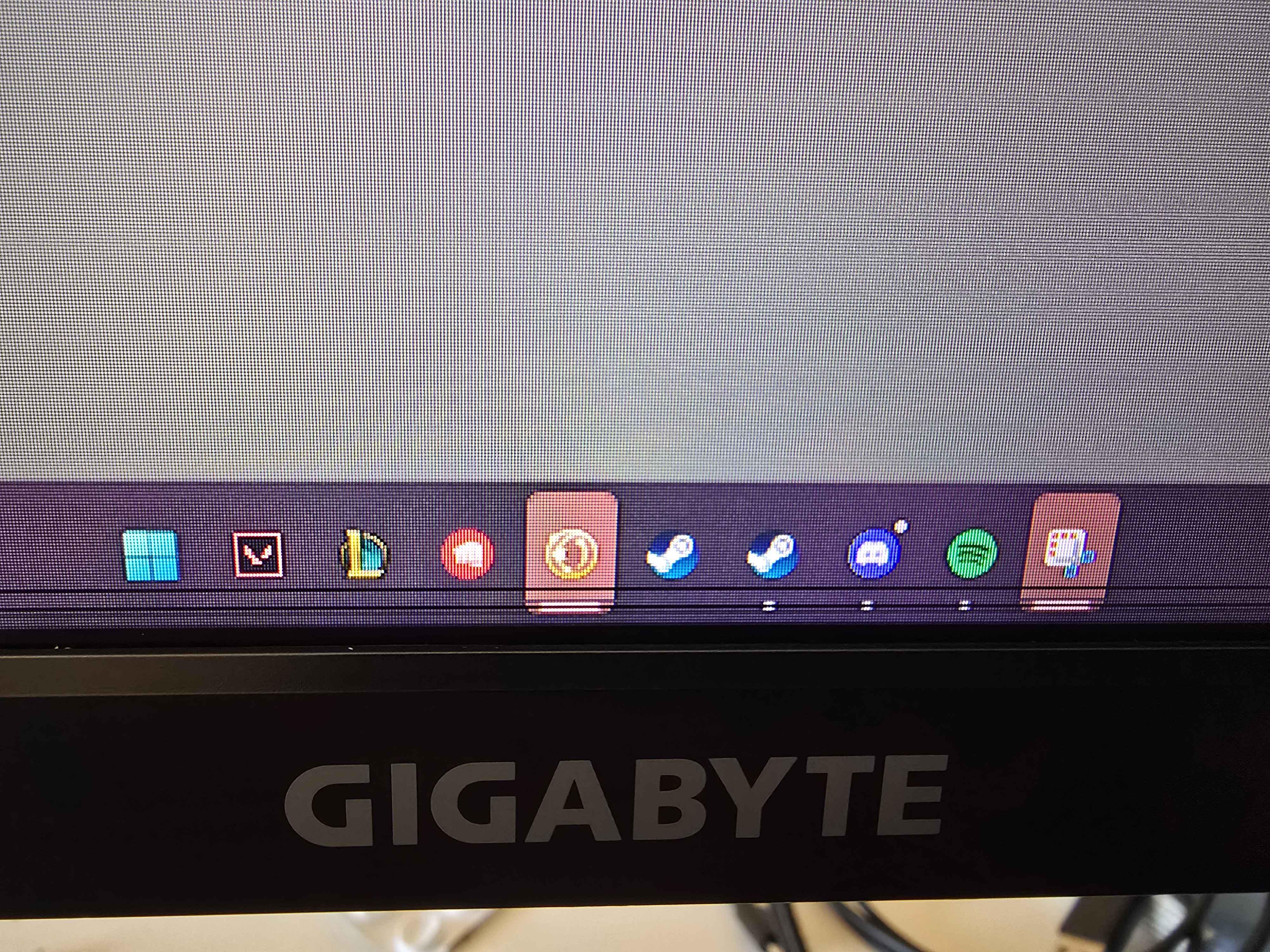
I've been having an issue with my monitor for thr past few weeks where when I turn my computer on, sometimes my secondary monitor turns the backlight on but has no display. I also cannot access the monitor's on board menu through the button on the back. Sometimes it fixes itself with a few power cycles, or by unplugging it for a minute and then plugging it back in, but today none of the usual fixes are working.
I'm looking for any possible other things to try before declaring the monitor dead.