"No POST", "system won't boot", and "no video output" troubleshooting checklist
This checklist is a compilation of troubleshooting ideas from many forum members. It's very important to actually perform every step in the checklist if you want to effectively troubleshoot your problem.
- 1.Did you carefully read the motherboard owners manual?
- 2.Did you plug in the 4/8-pin CPU power connector located near the CPU socket? If the motherboard has 8 pins and your PSU only has 4 pins, you can use the 4-pin connector. The 4-pin connector USUALLY goes on the 4 pins located closest to the CPU. If the motherboard has an 8-pin connector with a cover over 4 pins, you can remove the cover and use an 8-pin plug if your power supply has one. This power connector provides power to the CPU. Your system has no chance of posting without this connector plugged in! Check your motherboard owners manual for more information about the CPU power connector. The CPU power connector is usually referred to as the "12v ATX" connector in the owner's manual. This is easily the most common new-builder mistake.
- 3.Did you install the standoffs under the motherboard? Did you place them so they all align with the screw holes in the motherboard, with no extra standoffs touching the board in the wrong place? A standoff installed in the wrong place can cause a short and prevent the system from booting.
- 4.Did you verify that the video card is fully seated? (may require more force than a new builder expects.)
- 5.Did you attach ALL the required power connector(s) to the video card? (some need two, some need none, many need one.) It is best to use cables connected directly to the PSU. Only use adapters if absolutely necessary.
- 6.Have you tried booting with just one stick of RAM installed? (Try each stick of RAM individually in each RAM slot.) If you can get the system to boot with a single stick of RAM, you should enable an XMP profile or manually set the RAM speed, timings, and voltage to the manufacturer's specs in the BIOS before attempting to boot with all sticks of RAM installed. If your motherboard supports XMP profiles, that is the best way to get your RAM running at its rated specs. Nearly all motherboards default to the standard RAM voltage (1.8v for DDR2, 1.5v for DDR3, & 1.2v for DDR4). If your RAM is rated to run at a voltage higher than the standard voltage, the motherboard will underclock the RAM for compatibility reasons. If you want the system to be stable and to run the RAM at its rated specs, you should either enable an XMP profile or manually set the values in the BIOS. Many boards don't supply the RAM with enough voltage when using "auto" settings which causes stability issues.
- 7.Did you verify that all memory modules are fully inserted? (may require more force than a new builder expects.) It's a good idea to install the RAM on the motherboard before it's in the case.
- 8.Did you verify in the owners manual that you're using the correct RAM slots? The following image is just an example. Verify in the owners manual the recommended RAM slots to use for single, dual, triple, or quad channel applications. This will vary depending on motherboard manufacturer, number of supported RAM channels, and how many sticks of RAM are being used.
- 9.Did you remove the plastic guard over the CPU socket? (this actually comes up occasionally.)
- 10.Did you install the CPU correctly? There will be an arrow on the CPU that needs to line up with an arrow on the motherboard CPU socket. There may also be a notch that will only line up in one direction. Be sure to pay special attention to that section of the manual!
- 11.Are there any bent pins on the motherboard/CPU? This especially applies if you tried to install the CPU with the plastic cover on or with the CPU facing the wrong direction.
- 12. If using an after market CPU cooler, did you get any thermal paste on the motherboard, CPU socket, or CPU pins? Did you use the smallest amount you could?
- 13.Is the CPU fan plugged in? Some motherboards will not boot without detecting that the CPU fan is plugged in to prevent burning up the CPU.
- 14. If using a stock cooler, was the thermal material on the base of the cooler free of foreign material, and did you remove any protective covering? If the stock cooler has push-pins, did you ensure that all four pins snapped securely into place? The easiest way to install the push-pins is outside the case sitting on a non-conductive surface like the motherboard box. Read the instructions! The push-pins have to be turned the OPPOSITE direction as the arrows for installation. This means with the arrow pointing away from the heatsink.
- 15. Are any loose screws laying on the motherboard, or jammed against it? Are there any wires running directly under the motherboard? You should not run wires under the motherboard since the soldered wires on the underside of the motherboard can cut into the insulation on the wires and cause a short. Some cases have space to run wires on the back side of the motherboard tray.
- 16. Did you ensure you discharged all static electricity before touching any of your components? Computer components are very sensitive to static electricity. It takes much less voltage than you can see or feel to damage components. You should implement some best practices to reduce the probability of damaging components. These practices should include either wearing an anti-static wrist strap or always touching a metal part of the case with the power supply installed and plugged in, but NOT turned on. You should avoid building or working on a computer on carpet. Working on a smooth surface is the best if at all possible. You should also keep fluffy the cat, children, and Fido away from computer components.
- 17. Did you check the debug LEDs, Q-code display, or install the system speaker (if provided) so you can check codes in the manual? Most modern motherboards come with debug LEDs or a Q-code display. A system speaker is NOT the same as normal speakers that plug into the back of the motherboard. A system speaker plugs into a header on the motherboard that's usually located near the front panel connectors. Debug LEDs, Q-code displays, or a system speaker are critical components when trying to troubleshoot system problems. You are flying blind without them. The motherboard owner's manual will have a list of codes you can reference. If your case or motherboard didn't come with debug LEDs, a Q-code display, or system speaker you can buy a system speaker for cheap here: http://www.cwc-group.com/casp.html
- 18. Did you read the instructions in the manual on how to properly connect the front panel plugs? (Power switch, power led, reset switch, HD activity led) Polarity does not matter with the power and reset switches. If power or drive activity LED's do not come on, reverse the connections. For troubleshooting purposes, disconnect the reset switch. If it's shorted, the machine either will not POST at all, or it will endlessly reboot.
- 19. Did you turn on the power supply switch located on the back of the PSU? The switch should be depressed on the side with an I, the O means off. Is the power plug on a switch? If it is, is the switch turned on? Is there a GFI circuit on the plug-in? If there is, make sure it isn't tripped. You should also make sure the power cord isn't causing the problem. Try swapping it for a known good cord if you have one available.
- 20. Is your CPU supported by the BIOS revision installed on your motherboard? Most motherboards will post a CPU compatibility list on their website.
- 21. Have you tried resetting the CMOS? The motherboard manual will have instructions for your particular board. User Darkbreeze also provided the following:
BIOS Hard reset procedure
Power off the unit, switch the PSU off and unplug the PSU cord from either the wall or the power supply.
Remove the motherboard CMOS battery for five minutes. In some cases, it may be necessary to remove the graphics card to access the CMOS battery.
During that five minutes, press the power button on the case for 30 seconds. After the five minutes are up, reinstall the CMOS battery making sure to insert it with the correct side up just as it came out.
If you had to remove the graphics card you can now reinstall it, but remember to reconnect your power cables if there were any attached to it as well as your display cable.
Now, plug the power supply cable back in, switch the PSU back on and power up the system. It should display the POST screen and the options to enter CMOS/BIOS setup. Enter the bios setup program and reconfigure the boot settings for either the Windows boot manager or for legacy systems, the drive your OS is installed on if necessary.
Save settings and exit. If the system will POST and boot then you can move forward from there including going back into the bios and configuring any other custom settings you may need to configure such as Memory XMP profile settings, custom fan profile settings or other specific settings you may have previously had configured that were wiped out by resetting the CMOS.
In some cases it may be necessary when you go into the BIOS after a reset, to load the Optimal default or Default values and then save settings, to actually get the hardware tables to reset.
http://www.spotht.com/2010/02/reset-bios-clear-cmos.html
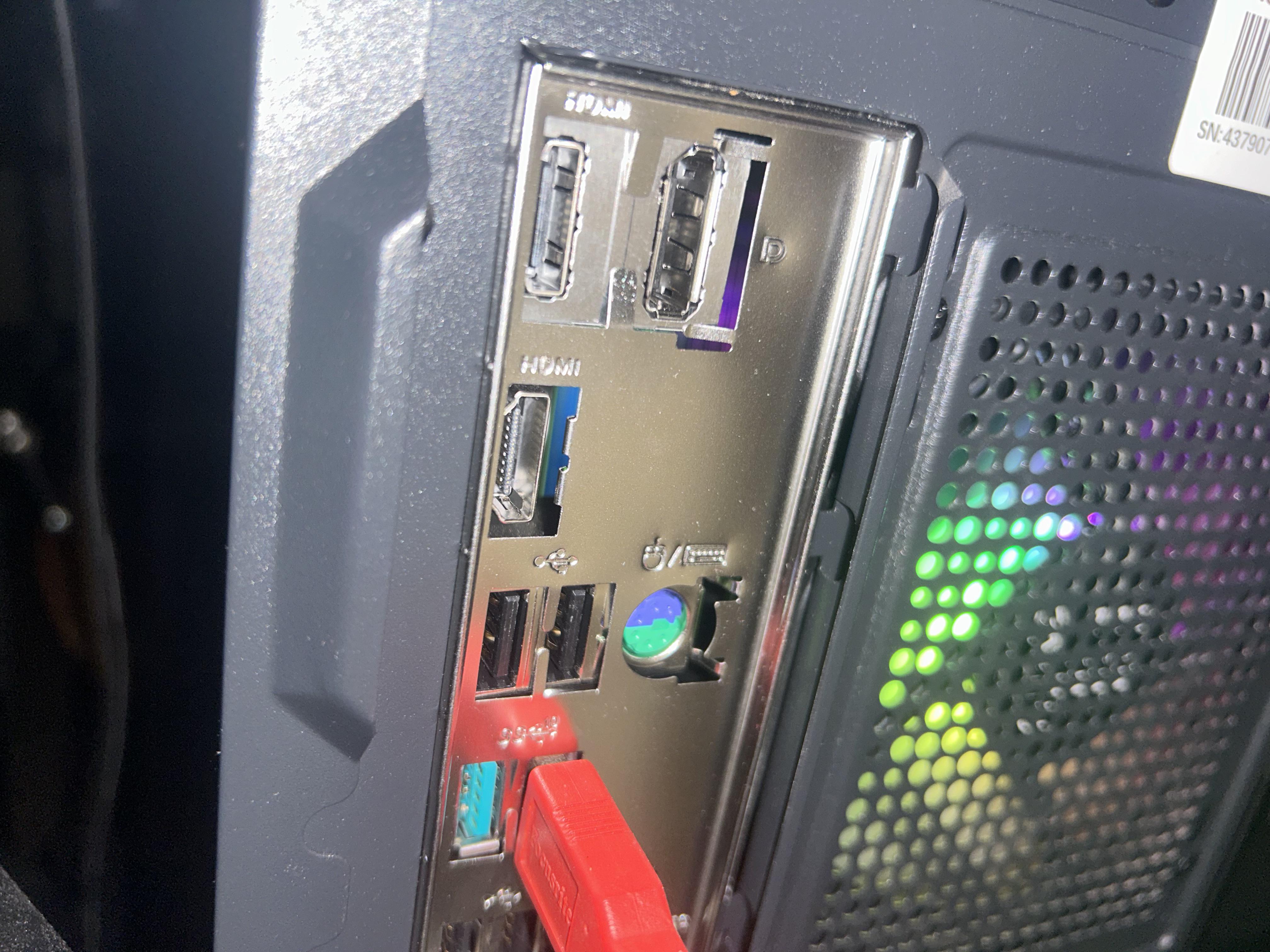
- 22. If you have integrated video and a video card, try the integrated video port. Resetting the bios, can make it default back to the onboard video. If you are trying to use HDMI outputs, try using DVI or VGA instead. Sometimes, the HDMI ports won't work until the correct drivers are installed.
- 23. Make certain all cables and components including RAM and expansion cards are tight within their sockets.
I also wanted to add some suggestions that jsc often posts. This is a direct quote from him:
"Pull everything except the CPU and HSF. Boot. You should hear a series of long single beeps indicating memory problems. Silence here indicates, in probable order, a bad PSU, motherboard, or CPU - or a bad installation where something is shorting and shutting down the PSU.
To eliminate the possibility of a bad installation where something is shorting and shutting down the PSU, you will need to pull the motherboard out of the case and reassemble the components on an insulated surface. This is called "breadboarding" - from the 1920's home-brew radio days. I always breadboard a new or recycled build. It lets me test components before I go through the trouble of installing them in a case.
If you get the long beeps, add a stick of RAM. Boot. The beep pattern should change to one long and two or three short beeps. Silence indicates that the RAM is shorting out the PSU (very rare). Long single beeps indicates that the BIOS does not recognize the presence of the RAM.
If you get the one long and two or three short beeps, test the rest of the RAM. If good, install the video card and any needed power cables and plug in the monitor. If the video card is good, the system should successfully POST (one short beep, usually) and you will see the boot screen and messages.
Note - an inadequate PSU will cause a failure here or any step later.
Note - you do not need drives or a keyboard to successfully POST (generally a single short beep).
If you successfully POST, start plugging in the rest of the components, one at a time."
If you suspect the PSU is causing your problems, below are some suggestions by jsc for troubleshooting the PSU. Proceed with caution. I will not be held responsible if you get shocked or fry components.
"The best way to check the PSU is to swap it with a known good PSU of similar capacity. Brand new, out of the box, untested does not count as a known good PSU. PSU's, like all components, can be DOA.
Next best thing is to get (or borrow) a digital multimeter and check the PSU.
Yellow wires should be 12 volts. Red wires: +5 volts, orange wires: +3.3 volts, blue wire : -12 volts, violet wire: 5 volts always on. Tolerances are +/- 5% except for the -12 volts which is +/- 10%.
The gray wire is really important. It should go from 0 to +5 volts when you turn the PSU on with the case switch. CPU needs this signal to boot.
You can turn on the PSU by completely disconnecting the PSU and using a paperclip or jumper wire to short the green wire to one of the neighboring black wires.
View: http://www.youtube.com/watch?v=5FWXgQSokF4&feature=youtube_gdata
This checks the PSU under no load conditions, so it is not completely reliable. But if it can not pass this, it is dead. Then repeat the checks with the PSU plugged into the computer to put a load on the PSU. You can carefully probe the pins from the back of the main power connector."