r/pchelp • • 16h ago

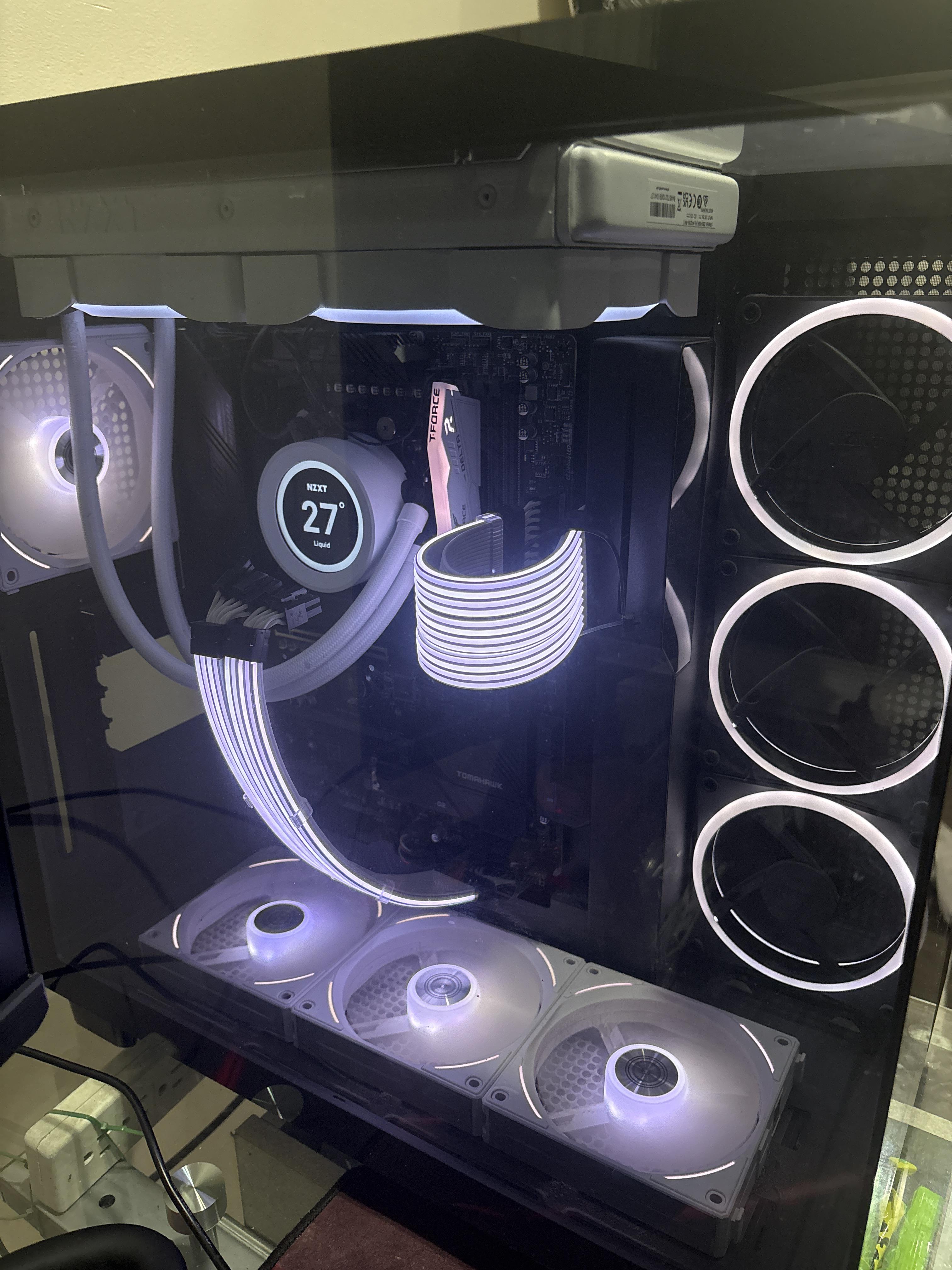
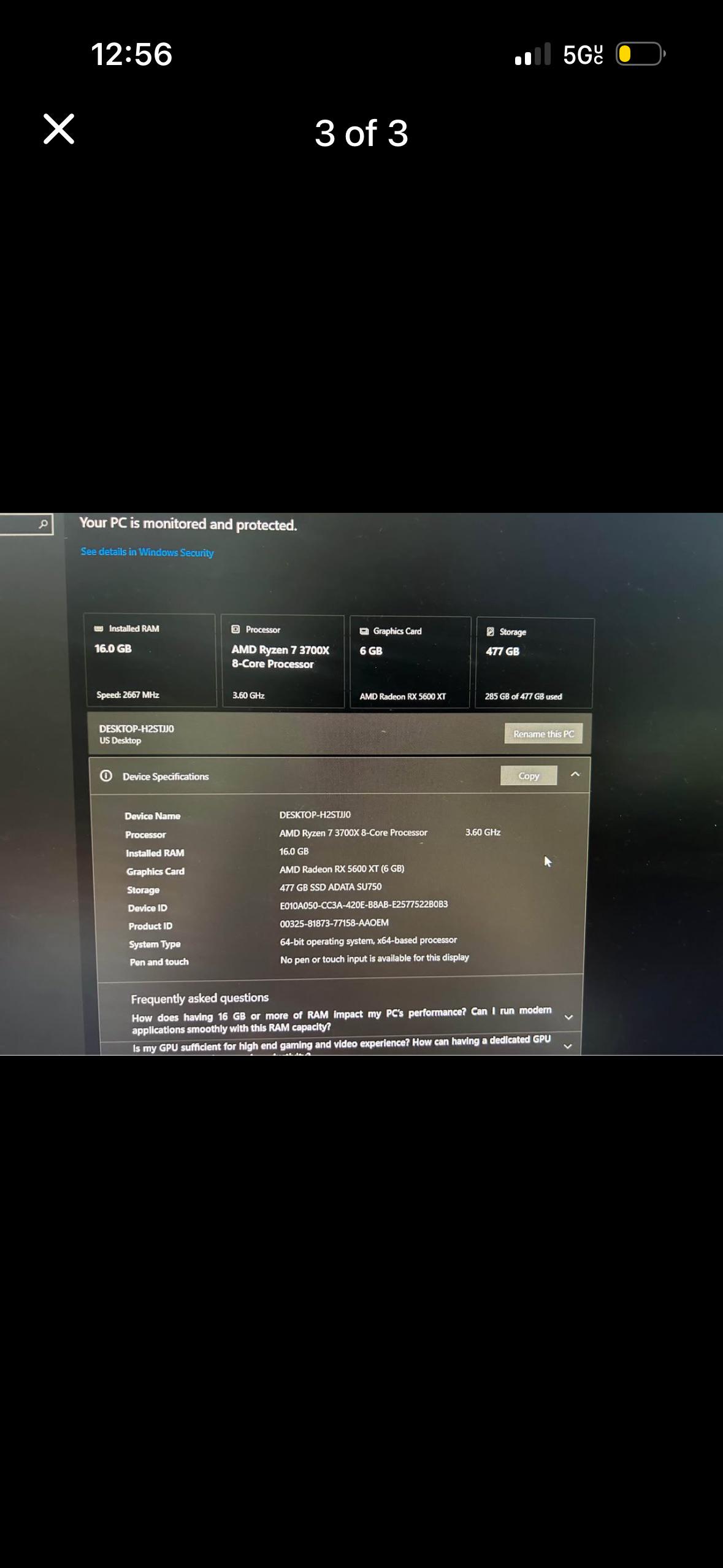
HARDWARE What are those white stuff?

Thumbnail gallery
74 Upvotes

Hello, I opened my PC to clean it and notices those strange whitey stuff. Any clues what are those and what to do?


r/pchelp • • 16h ago

HARDWARE Is my pc broken

33 Upvotes

Hey guys,yesterday i tripped over my headset cable and my whole pc fell down from my desk.The PSU cable and a few other plugged out.Now,when i try to plug it back in,it makes this weird noise.Is it safe to turn it back on?(sorry if my english is bad) Btw:Let me know if u can watch the vid bcs reddit says it gets removed.If you cant:It sounds like scratching Aluminium foil


r/pchelp • • 4h ago

HARDWARE PC wont power up after upgrading motherboard, ram, and cpu.

Thumbnail gallery
8 Upvotes

The 3 components I upgraded were my cpu, ram, and motherboard.

Old cpu: intel i7-2600k to New cpu: intel i7-7700.

Old motherboard: Generic LGA 1155 Micro-ATX to New motherboard: LGA 1151 MSI Micro-ATX B250 Mortar.

Old ram: 16GB (2x 8GB) DDR3 Jingsha to New ram: 16GB (2x 8GB) DDR4 3200MHz PNY XLR8

Current GPU: MSI GTX 1060 3GB

I made sure I installed all components correctly, especially the motherboard and cpu power connectors and everything else. When I hit the power button, the gpu fans turn for a sec then stops. PC will not power on, but it seems the motherboard has power to it because the ethernet cable lights up on the back. I also used my old CMOS battery from the generic motherboard to my newer msi b250 mortar one. I also read one source that I probably would have to wait until the PSU has power because I had it unplugged for about 3 months. I'm also running Windows 10 Home on an SSD that is separate from the motherboard.

If there's any recommendations for troubleshooting this issue, please share in the comments as any and help is appreciated.

Edit: Solved! I had to remove the gpu, cpu fan connector, and install one ram stick to boot up the bios. Thank you all for the help!


r/pchelp • • 21h ago

HARDWARE Is this normal for 12V-2x6 pin Safe?

Post image
8 Upvotes

They look off centered to the right , its the corsair thermal protect cable.


r/pchelp • • 4h ago

HARDWARE Uhhhh am I screwed

Post image
7 Upvotes

So the white and black cords ripped out as I was taking off the back part of my laptop... can they be souldered into place again or am I screwed? I'm watching this teardown video: https://youtu.be/u1ykz_tgCk8?si=9q6GY7dtn8og7Pnx

Needless to say this did not happen at the step of the video I'm on for the dude in the video.

My only goals for this are to repaste it and blow out the fans. This PC is old as hell at this point, I used it for 5 years before upgrading to my current desktop and this thing needs the internal fans cleaned desperately. And a repasting cause it has factory paste thats probably all dried up by now. I was really hoping to not break this and be able to give it to a friend after repasting it and cleaning the fans, which for this PC you have to take out the fans and motherboard to repaste.


r/pchelp • • 13h ago

HARDWARE Help identifying parts

Thumbnail gallery
7 Upvotes

Edit: thank you all for your help!

Hello! Ive had my old pc in storage for a while- i need to get around to selling it- but im not sure what all the parts are or what it would be worth.

I tried hooking it up to a monitor and booting up the pc, to get the specs-but it wouldn’t turn on.I’m pretty sure i moved a few of the old parts (like storage) to my new pc (a few years ago- through many youtube videos and the help of others lol, which is why I’m not sure on this now), so that could be why.

Im nervous to disassemble this myself, for fear of breaking something, which is why im coming to reddit for help.

I believe it’s AMD ryzen 5 based on what’s on the case.everything else though… i need help please😅 treat me like i have next to no computer knowledge. Because i don’t😅.


r/pchelp • • 20h ago

SOFTWARE is this normal ram usage?

Post image
7 Upvotes

all my processes together only make about 3 gb, how is it 17gb


r/pchelp • • 9h ago

HARDWARE Fan makes loud scraping sounds

5 Upvotes

My fan keeps making these incredibly loud scraping sounds. Sometimes the pc runs smoothly but quite often this middle fan makes a ton of noise. What should I do?


r/pchelp • • 14h ago

HARDWARE Cable GPU

Thumbnail gallery
5 Upvotes

Esta bien insertador el cable a la grafica? Porque se ve en los lados del conector una linea y mas hacia dentro no entra


r/pchelp • • 1h ago

HARDWARE PLEASE HELP!! PC started freezing after installing an RX 580, then dropped from 32GB to 16GB of RAM. One stick now won’t boot on its own, likely dead.

Post image
4 Upvotes

I’m trying to figure out whether my RX 580 caused a RAM issue, whether the RAM was behind the freezes, or whether two things went wrong around the same time. The first clue that I’d lost half my RAM was that one stick’s RGB changed colour even though I had everything synced to white.
What happened
I used to have an RTX 3090 in this PC about a year ago. I recently got an RX 580 to use temporarily. My RAM is a pair of 16GB TeamGroup T-Force DDR5 sticks rated at 6400 MT/s, so the system normally has 32GB total.
After I installed the RX 580, the PC started freezing repeatedly. When it froze, I had to hold down the power button to shut it off, then turn it back on. This happened several times.
During that stretch of freezes and restarts, I noticed that one of the RAM sticks was showing a different RGB colour. I’d set both sticks and the rest of my RGB to white, so it stood out. Both RAM sticks were still physically installed when I opened Task Manager to see what was going on, but Windows was only showing 16GB instead of 32GB.
I don’t know exactly when the second stick stopped being detected. I only caught it after noticing the RGB difference on one of the boots following the freezes. As far as I can tell, it happened sometime during the freezes and forced shutdowns, but I wasn’t checking Task Manager on every boot, so I can’t say which freeze or restart it happened on.
What I tested
I physically removed the RX 580 and switched to integrated graphics. With the working RAM stick installed, the PC booted normally. I restarted it multiple times and also shut it down fully and powered it back on several times. It booted fine each time.
I then tested both RAM sticks individually with the RX 580 still removed. I used the same slot for both tests, the second RAM slot from the CPU (A2). Only one stick was installed at a time.

Test

Working 16GB stick by itself in A2, RX 580 removed
PC boots and runs normally on integrated graphics

Suspect 16GB stick by itself in the same A2 slot, RX 580 removed and PC won’t boot.

The suspect stick’s RGB was still lighting up when both sticks were installed and Windows showed only 16GB. Also lights up when booted alone.

What I’m trying to figure out
Could a failing RAM stick have been causing the freezes all along, even though the freezes started after I installed the RX 580?
Is there a plausible way the RX 580 or a power issue could be connected to one stick suddenly dropping out, or does this sound like two separate problems?

Has anyone had a DDR5 stick light up in a different colour, disappear from Windows, and then fail to boot by itself? Did it turn out to be the stick, a memory training issue, or something else?
If the suspect stick still won’t boot in A2 at stock settings, is there another test you’d run before treating it as defective?

Once I’ve confirmed the RAM issue, what’s the best way to narrow down the original freezes between the RX 580 itself, its power connection, and a possible driver issue from switching from NVIDIA to AMD?
I’d appreciate suggestions on what to test next and in what order, especially from anyone who’s seen a similar issue.

r/pchelp • • 6h ago

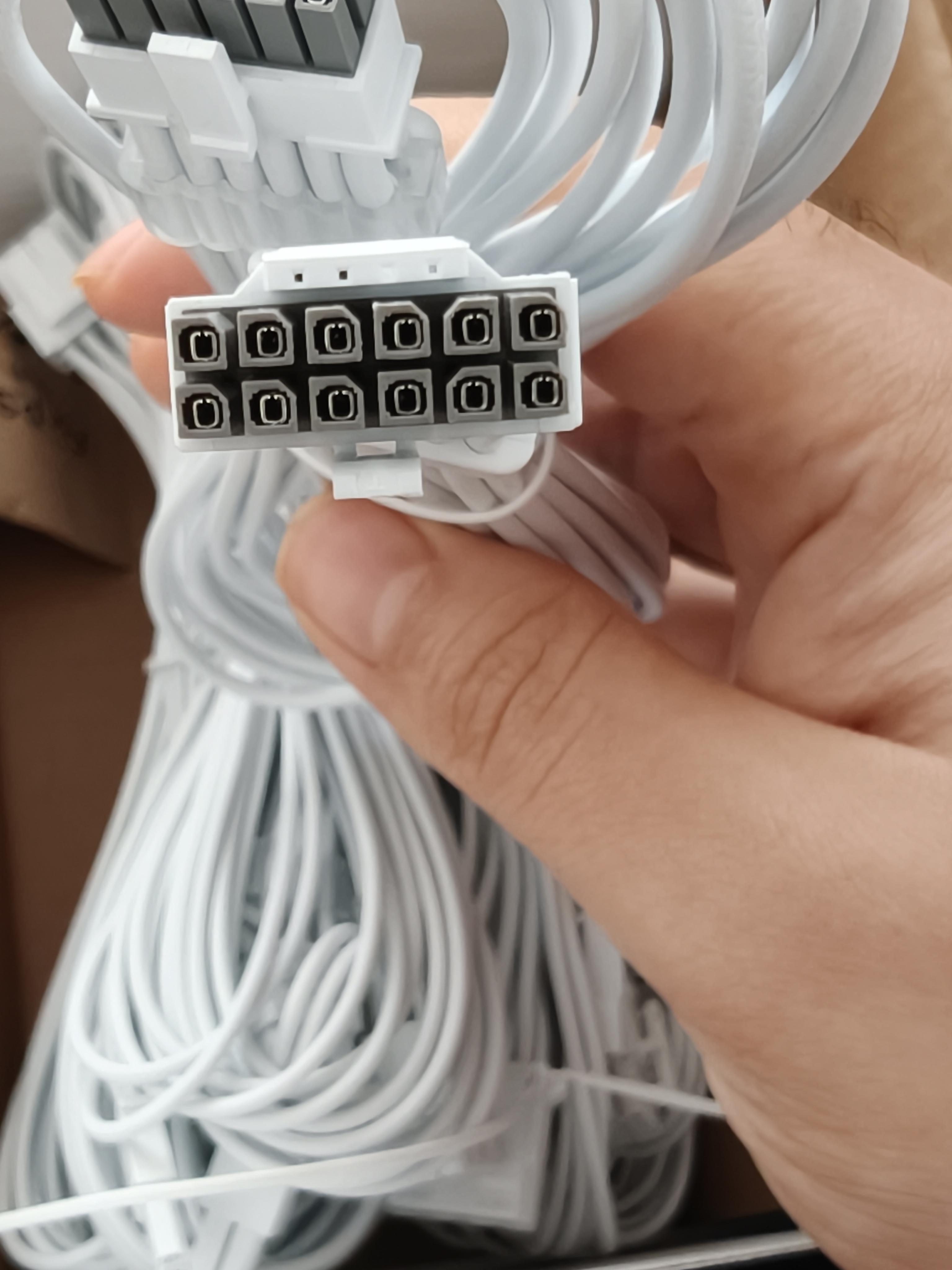
Network My pc connects to the internet but acts like I don’t have it.

4 Upvotes

My pc recently started acting like I don’t have internet but is saying that I’m connected to it, I’m hardwired to the router and the router even recognizes that I’m connected to it. I’ve tried reinstalling my drivers doing a network reset on my pc and even tried a dns flush. I’ve also tried the obvious like restarting my router and my pc and nothing is working. Any help would be greatly appreciated.


r/pchelp • • 10h ago

Discussion Looking at this second hand pc for 350. Is it worth it?

Post image
4 Upvotes

Looking at getting a pc for my partner who will play indie titles and some games like cyberpunk 2077. Are these specs still worthwhile in 2026? Been out of the hardware loop.


r/pchelp • • 17h ago

SOFTWARE Is it recommended to use DDU to uninstall the bad Nvidia drivers causing wear on the SSD (621.14 and 621.24) or can i just choose the "Clean install" option from the driver I got from Nvidia website

4 Upvotes

With the recent Nvidia driver problem of wearing down the SSD because of excessive read/write, I plan on doing a rollback to a previous driver (to which many users say is unaffected by the issue).

The question I have now is: do I need to use DDU to remove the issue from the bad drivers or is the "clean install" option from the unaffected driver enough to solve this issue?

NOTE: What driver should I roll back to? 617.42 or 621.01? I only use my PC for gaming


r/pchelp • • 18h ago

HARDWARE PC Starts but doesnt boot :(

4 Upvotes

My PC only properly boots when I unplug my SSD, HDD, and graphics card and Plug it Back in (I have no idea why); otherwise, it will start but never boot. I left my PC on for days and it suddenly shut down while I was away. Now, even the unplugging method has stopped working. I have no idea about PCs and honestly treated this one like crap, but I would just like to know if this description tells anyone what could be wrong.


r/pchelp • • 1h ago

Discussion B580 best budget option currently?

3 Upvotes

Recently my RTX 3060 (12gb) stopped working, I'm pretty patient so I'm wondering if it's worth it to purchase the B580 for $380 (usd) or to just wait it out.

I've seen all sorts of speculation, people saying that prices will crash after December while others think they will keep spiking. Very difficult to decide since I want to get the best deal possible.

What do you guys recommend?


r/pchelp • • 2h ago

HARDWARE GPU Death?

Post image
3 Upvotes

Is it over boys, be honest 🙏


r/pchelp • • 5h ago

Discussion Defective Motherboard and ram on new PC?

3 Upvotes

How rare is a defective motherboard and ram on a new pc built? I recently was having issues with my pc, and couldn't figure out what the problem was, so I took it back to Microcenter to get it looked at and found out this was the problem which was crazy to me. I'm just curious to know if this is common or not because it was working perfectly fine for over a month and they told me it's likely nothing I did.


r/pchelp • • 9h ago

Discussion ASUS TUF Gaming B850-PLUS WIFI stuck on solid DRAM light after clearing CMOS – looking for advice

Post image
3 Upvotes

I’m having a frustrating issue with my gaming PC and would appreciate some input before I start replacing expensive components.
PC specs:

  • Motherboard: ASUS TUF Gaming B850-PLUS WIFI
  • RAM: 64GB (2x32GB) G.Skill Trident Z5 Neo DDR5-6000
  • GPU: NVIDIA RTX 5080
  • CPU: AMD Ryzen AM5 processor

What happened:
My PC was working, but I was troubleshooting an issue and decided to clear CMOS by shorting the motherboard pins.
After clearing CMOS, the PC booted into BIOS successfully. I pressed F10 to save and exit. After restarting, I lost display signal.
Now the PC powers on, fans and case lights come on, but I get no display signal, the keyboard doesn’t light up, and the motherboard stays on a solid DRAM diagnostic LED.
What I’ve tried:

  1. Cleared CMOS using the motherboard pins.
  2. Successfully entered BIOS immediately after clearing CMOS.
  3. Disabled EXPO in BIOS and pressed F10 to save and exit.
  4. Tried booting with only one RAM stick installed in A2.
  5. Tested the other RAM stick individually in A2.
  6. Tried one RAM stick in B2.
  7. Both sticks produce the same solid DRAM light.
  8. Previously ran MemTest86 on the RAM before this issue started, and it passed.

Both RAM sticks are G.Skill Trident Z5 Neo DDR5-6000, and the system was working before this happened.
My questions:

  • Could this be a BIOS or DDR5 memory training issue?
  • Could clearing CMOS have caused a memory initialization problem?
  • Is it possible the motherboard BIOS needs to be recovered using BIOS FlashBack?
  • How likely is a motherboard issue versus a CPU memory controller issue?
  • Is there anything else I should test before replacing parts?

All components are less than a year old, and I’d really like to avoid replacing my 64GB RAM kit unless testing proves it’s defective.
Thanks for any help.


r/pchelp • • 10h ago

PERFORMANCE GPU usage and rubber banding.

3 Upvotes

I haven’t been on my pc in a little bit and I updated everything. I’ve noticed I’ve started rubber banding wich I know is network related, and I’ve also noticed my GPU usage being higher. Like playing csgo I average around 550-600 frames with 70-80% give or take GPU usage and now I’m getting the same frames with 100% usage. I’ve got a 5070ti paired with a 9800x3d so no bottlenecking or anything just confused. Just launched rocket leauge and the GPU usage is at 90% when normally it’s at like 55/60. Anything I should look for? I’ve reinstalled drivers and all that jazz just confused on what it could be


r/pchelp • • 11h ago

HARDWARE SSD randomly gone

3 Upvotes

My ssd was randomly missing and everything on it said it was uninstalled but then I restarted my pc and it’s all back like nothing happened, what could that mean? I got this ssd last year when I completely gutted my pc and rebuilt it (I paid a professional to do it for me).


r/pchelp • • 11h ago

HARDWARE When downloading something in my pc, the WIFI speed just plummets out of nowhere and doesnt come back until i reconnect manually

3 Upvotes

This only happens t this device, its almost a year old and i never really bothered with this thing until now, it really bugs me that i cant even use the pc when its downloading because it seems that it happens under heavy load, like playing and downloading at the same time. The motherboard is a Gigabyte DS3H B450m with wifi. I checked device manager and disabled that option for windows to turn off the device to save power a while ago, i thought it worked but it was a palcebo for me and it didn't to anything. Please tell me what to do i think it's still under warranty or if its fixab


r/pchelp • • 11h ago

OPEN GPU 92% on overlay and 2% on Task Manager - is this normal?

Post image
3 Upvotes

What's up guys.

I'm playing RDR2 and got confused. Yesterday I had a performance problem but I already fixed it. On the overlay it was showing CPU 85% / 71°C and GPU 92% / 79°C.

Then I opened Task Manager on the side and it was showing CPU 83% and GPU 2%. How come?

One says it's 92% and the other says it's 2%. Is this normal or is something wrong with my PC?

Is there a way to fix this problem?

Thanks!


r/pchelp • • 12h ago

HARDWARE Keyboard 2.4g wireless not working

Thumbnail gallery
3 Upvotes

I own a tri mode Leobog hi75 and the Bluetooth and wired mode work completely fine but the 2.4g wireless does not work at all. I have plugged it into multiple different spots in my pc where other wireless devices work and I have plugged it into other devices and it did not work. How can I fix this.


r/pchelp • • 13h ago

HARDWARE wierd "took took" noise comming from pc.

3 Upvotes

a wierd noise started comming from my pc. i cant pinpoint where its comming from. i pressed my ear to every side and cant seem to find the source of the wierd periodic beeping sound. any clue as what it could be?